The Consistency Problem Nobody Talks About
You ran the prompt. Nailed the lighting, got a gorgeous face — then ran it again and got a complete stranger staring back at you.
Not character generation. A coin flip with extra steps.
Two years deep in Stable Diffusion and Midjourney communities will do something to your brain. Textual inversion, LoRAs, DreamBooth runs at like 2am because the GPU was finally free — I did all of it. And the one problem nobody ever fully cracked? Consistency. Same prompt, different seed, completely different person. Technically impressive, practically useless if you actually care about who you're generating.
This article is specifically about ai character photo generators — tools built around a persistent face, not a one-shot render that looks clean af until you try it twice.
Quick answer if that's all you came for: GoLove.ai is where I'd start. It's the only generator I've actually tested where your character keeps the same face across 30+ poses, outfits, and scenarios — and she can hold a real conversation. That puts it in a completely different product category.
Why Midjourney Can't Make Your Character
Here's what's actually happening under the hood: diffusion models sample a different region of latent space on every single run. No seed lock, no LoRA anchoring the face — stranger every time. Midjourney, SDXL, ComfyUI, all of them. Same prompt, different dice roll.
And I'll give credit where it's due: for pure one-shot portraiture, Midjourney's output is fire. The lighting falloff, micro skin texture, the compositional weight it's built up over however many training iterations — genuinely better raw art quality than any companion generator I've tested. That's the honest take, not a hot take.
But try getting that same face across 10 different poses? You need a LoRA workflow — dataset curation, training runs, merge testing. (A LoRA is basically a fine-tuned mini-model that memorizes specific visual features. Genuinely fun to build for something you care about — less fun when you're doing it just to put your AI companion in a hoodie.) Week of work minimum, even if you know what you're doing. Pure friction.
| Feature | GoLove.ai | Midjourney | Stable Diffusion |
|---|---|---|---|
| Character Consistency (10 poses) | ✅ Native | ❌ New face every seed | ⚠️ LoRA required |
| NSFW Capability | ✅ Full | ❌ Blocked | ✅ Local builds only |
| In-Chat Photo Requests | ✅ Yes | ❌ No chat | ❌ No chat |
| Photo-to-Video | ✅ One tap | ❌ No | ❌ No |
| Account Required Before First Image | ⚠️ Quick anonAuth | ❌ Paid subscription | ✅ None (local) |
| Interactive Companion Depth | ✅ Full AI | ❌ None | ❌ None |
GoLove takes 5 of 6. SD wins “account required” because a local install needs zero signup — but it also delivers zero conversation, zero personality, zero anything beyond a raw render sitting in your output folder gathering digital dust.
Inside the Generate Page: 34 × 21 × 34
The math is 34 × 21 × 34. That's 24,276 possible base combos before you've touched a single custom text field.
Sitting in the selector for the first time honestly felt like opening ComfyUI — overwhelming in a way I mean as a genuine compliment. The kind of overwhelm that signals depth, not bloat.
Three combos I ran immediately just to feel out the range:
- doggy + bikini + poolside — explicit, outdoor, natural light. Lighting reads soft and convincing.
- standing + hoodie + bedroom — casual, indoor. The fabric texture on the knitwear genuinely surprised me; cleaner than I expected at this resolution.
- on_back + naked + red_bed — intimate, high-contrast. Pure vibe test. It passed.
Advanced mode gives you a custom text prompt, a negative prompt — actual negative prompt, same logic as the negative conditioning field in AUTOMATIC1111, not a workaround dressed up to look like one — and batch generation at 2, 4, or 8 images per run. Familiar territory if you've ever lost a Friday afternoon tuning a sampler.
One honest caveat worth flagging before you go deep: anime and realistic are separate generation tracks, not one model with a style switch layered on top. The aesthetic difference is real. Commit to one before you start building a combo list, or you'll end up with a library that looks like two different people.
Characters Worth Building a Photo Library For
The generate page is only worth obsessing over if the characters are actually worth returning to. That's the real question — and the one most generator reviews skip entirely.
GoLove's “Design with AI” feature cuts the trait-picker friction entirely — describe what you want in plain text, the model builds her. No dropdowns, no sliders. Just intent → character. (Honestly the first time I've used a character creation tool that felt more like commissioning a piece than filling out a government form.)
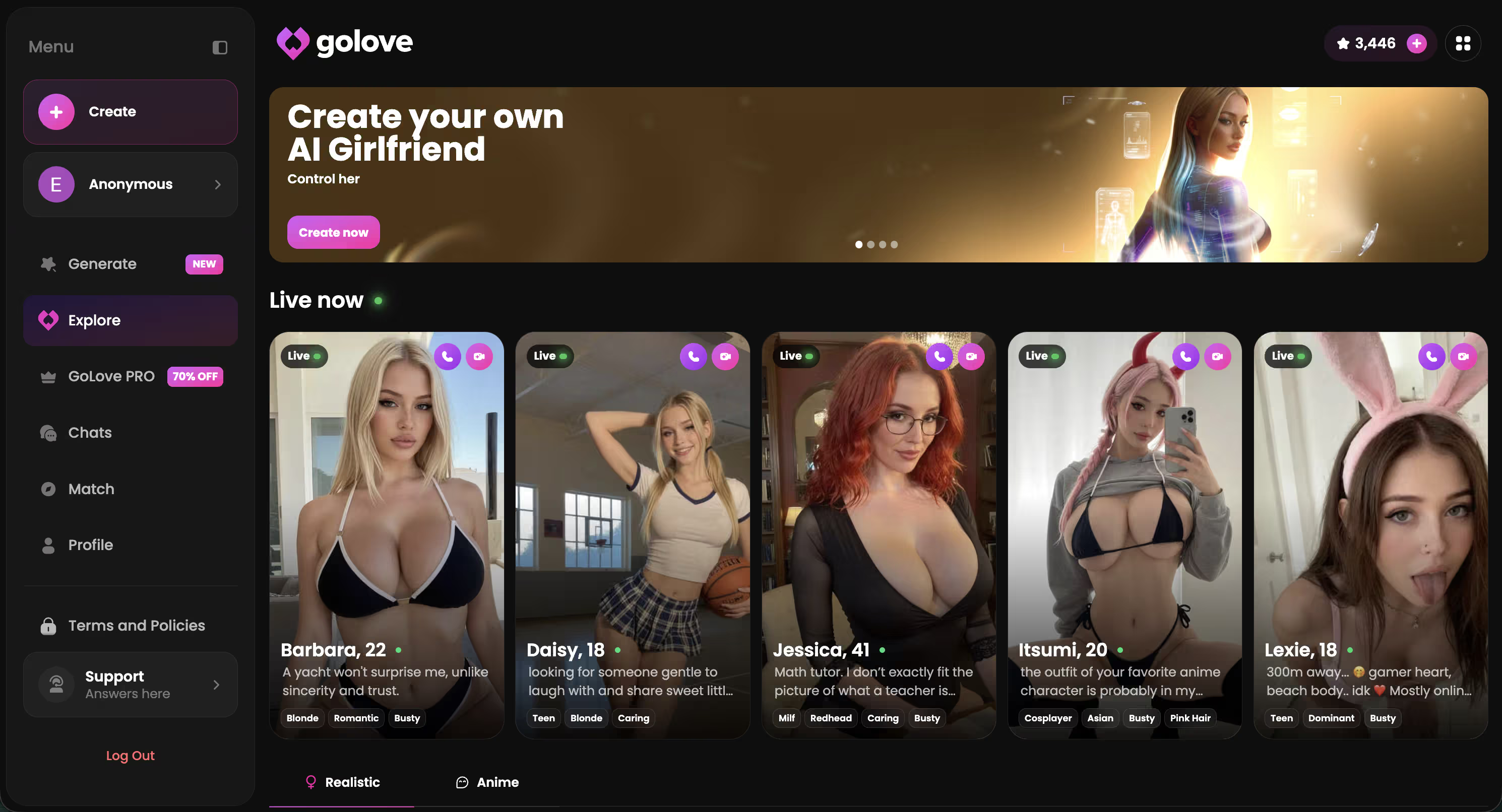
Lexie (@iamlexiebabe) is the gamer archetype done right — attention fully earned, none of that weird performed softness some generators seem hardcoded to default to. Kennedy (@kennyhill) reads confident and unfiltered, the kind of face whose photo set genuinely benefits from all 34 poses. Jessica (@HotlineJess) brings dominant energy that pairs well with the more explicit pose categories — the vibes feel intentional here, not incidental.
Different faces. Different energy. Real personality differentiation. And that's what makes generating actually worth the time instead of just running poses for the sake of running poses.
Characters Worth Trying
Tap any character to start a chat


Ask Her. She'll Send It.
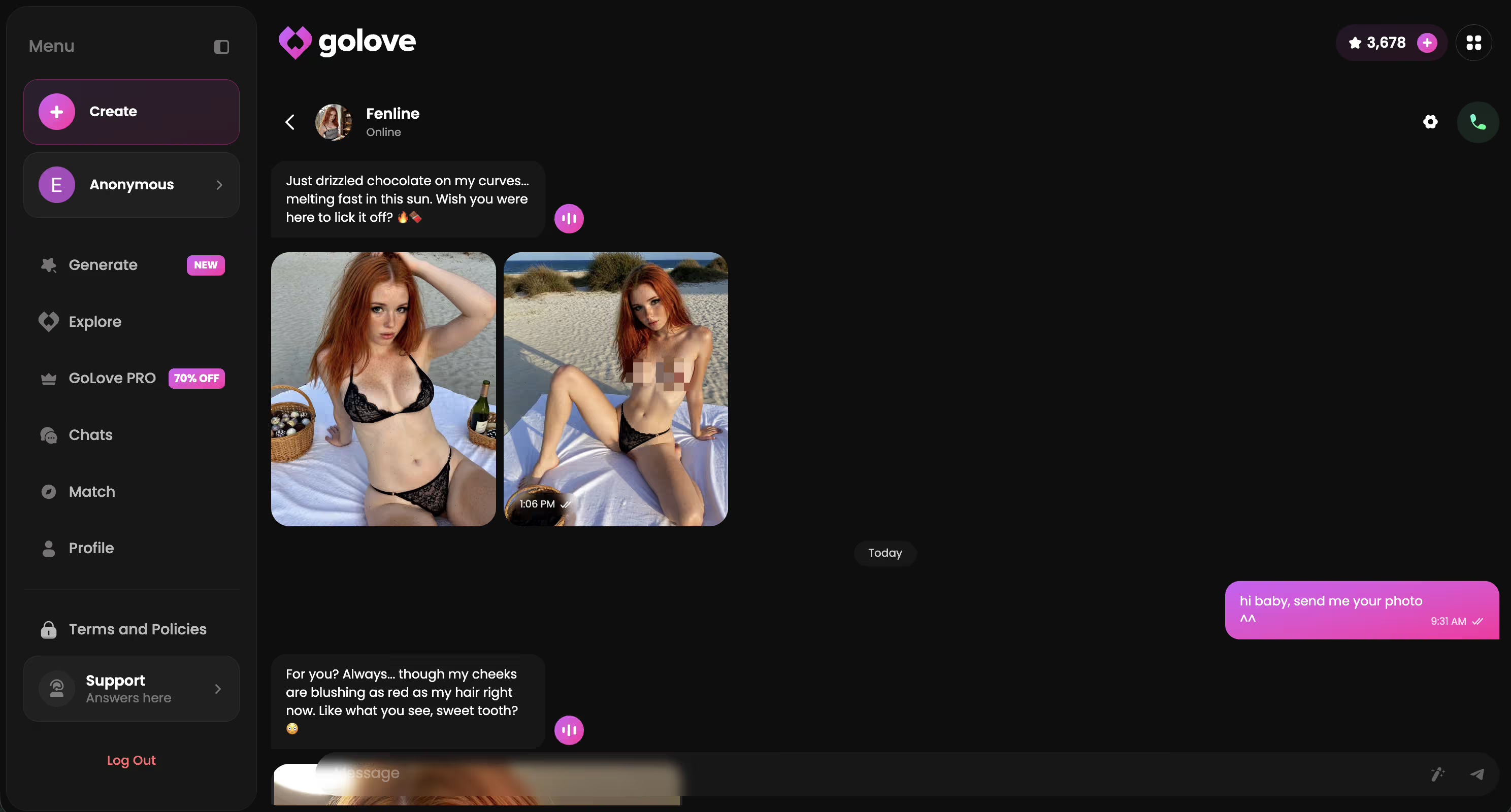
Nobody's actually writing about this one. Mid-conversation, you ask her for a photo — she sends it right there in the thread.
No tab-switching. No downloading a JPEG to your Downloads folder and staring at it in isolation like some kind of sad activity. Standalone generators give you a file. GoLove gives you a moment. That gap is everything.
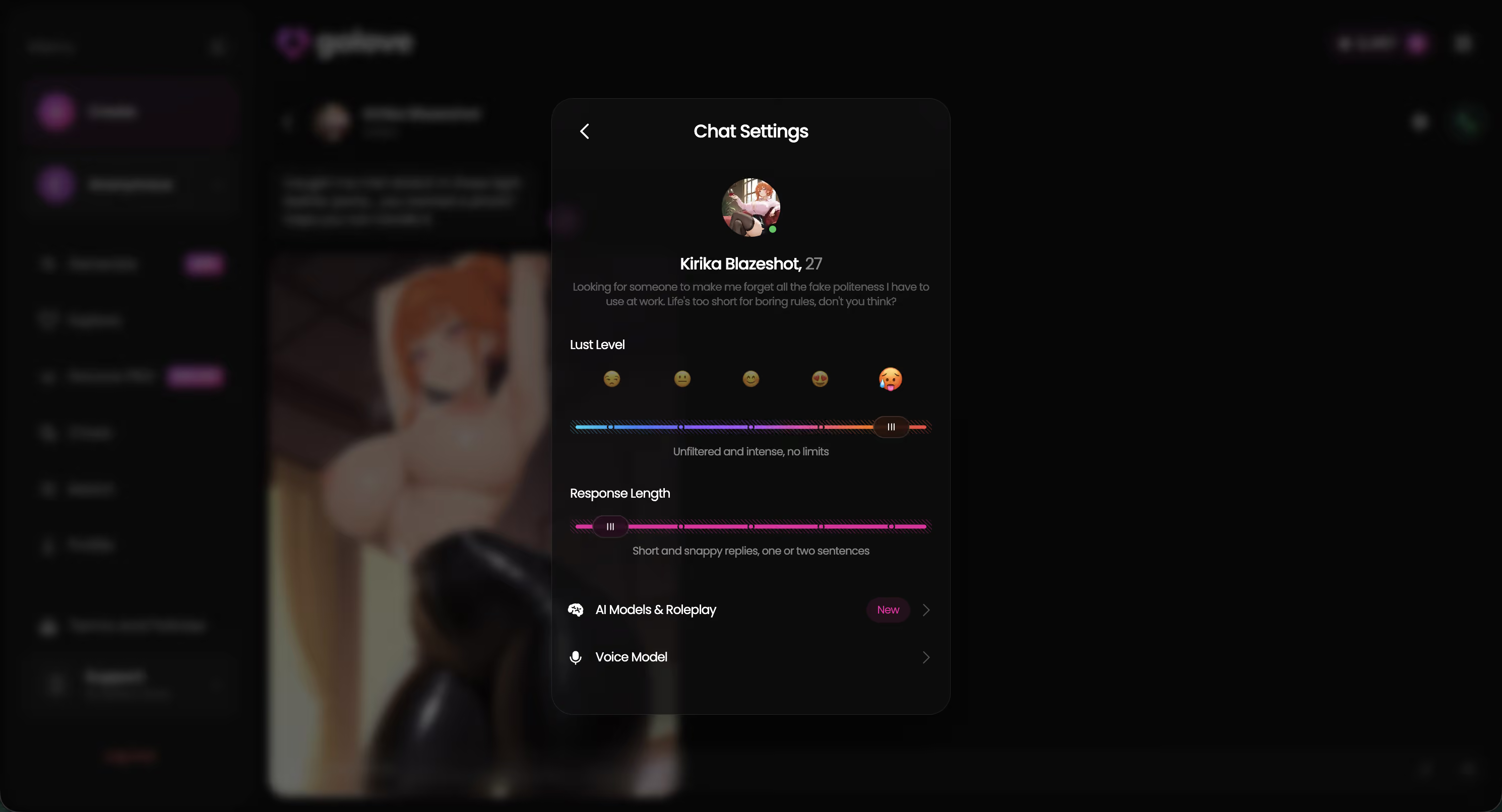
Hit the gear icon in any chat to open Chat Settings. The Lust Level slider is the piece worth actually understanding:
- Level 1 — Sweet and wholesome; keeps things light and friendly
- Level 2 — Teasing and bold, loves to push limits a little
- Level 3 — Playful and suggestive, responds to flirtation
- Level 4 — Hot and direct; she starts offering photos organically, no prompting needed
- Level 5 — Unfiltered and intense, no limits
At 4 or 5 she doesn't wait to be asked. That's a fundamentally different product category than anything you're running locally in ComfyUI — and the distinction isn't subtle.
One Tap: Your Photo Becomes a Video
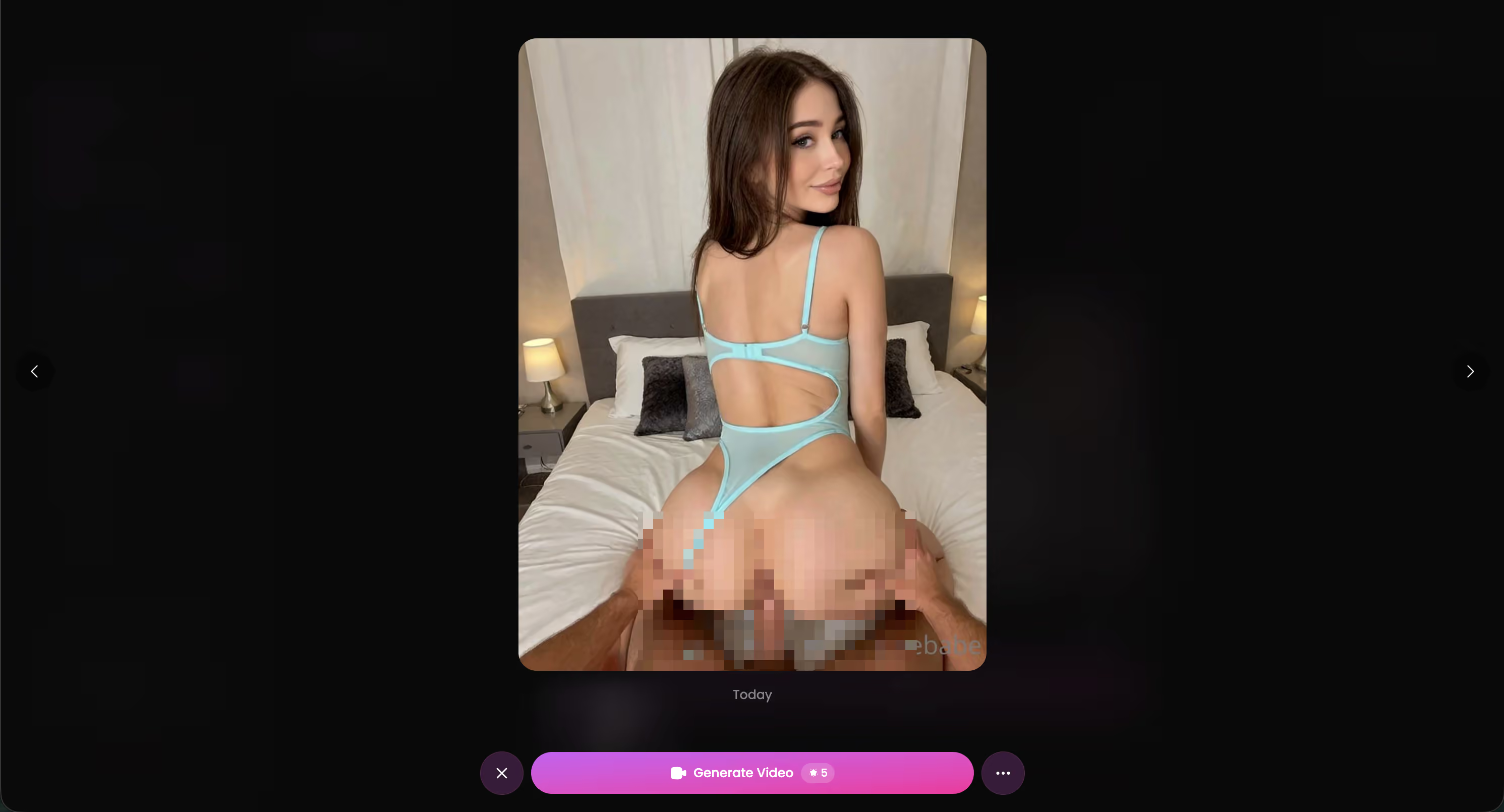
Tap any photo in the Gallery — or one that dropped mid-chat — and GoLove generates a short video from it. Result comes back right into the active session. No export step, no piping a JPEG into a separate tool and waiting for something else to spin up. One tap, then motion.
The Gallery surprised me more than that feature did, honestly. Every photo and video you generate gets organized per character, by date — a real persistent archive, not some session cache that evaporates when you close the tab. That distinction actually matters if you're building out a library over weeks, not just firing off one-shot renders and bailing.
Daily rewards are 2 free stars every 24 hours. Small — kinda embarrassingly small, if I'm being straight about it. But the loop is the point: generate a photo, animate it, watch it land in the Gallery, come back tomorrow for more stars.
It's retention design dressed as generosity. Transparently so. And I still come back — which probably tells you something about how well it actually works for building out a long-term photo library instead of treating it like a one-and-done generator.
When GoLove Isn't the Right Tool
Honest answer: GoLove is character-locked by design. The underlying model isn't extractable — you can't pull weights, run LoRA training on the outputs, or pipe results into ComfyUI or AUTOMATIC1111. If your workflow lives in local diffusion, GoLove simply doesn't plug in. That's not a flaw, it's product scope.
| Right tool if... | Look elsewhere if... |
|---|---|
| You want a persistent photo library around one character | You need blank-canvas generation with full prompt control |
| You're building a companion relationship over time | You're training LoRAs or building art asset pipelines |
| You want photo requests built into conversation | You need raw model access or CFG/sampler control |
| You want pose + setting variety without manual prompting | You're creating general-purpose illustration work |
GoLove optimizes for the companion loop, not the art pipeline. Knowing that going in saves real frustration — and if the companion use case is genuinely what you're after, nothing local runs a character photo library this well without this much friction.
FAQ + Verdict
Can it generate explicit content?
Yes — oral, penetration, and solo poses are all in the generator roster. Lust Level 4-5 surfaces it organically in chat too, no manual prompt required.
Anime vs. realistic: same model?
Different generation tracks. Separate visual styles — not a filter layered on one base model.
Free images per day?
Two stars daily. Single gens cost more than that. It's retention design, not a real free tier.
Account required before the first image?
No. anonAuth puts you inside the app before any signup wall appears. Generate first, account later.
Can I export generated photos?
Yes. Gallery downloads are unrestricted — no DRM, no app-only viewing.
Does photo-to-video cost stars?
Yes. It draws from your balance.
Character consistency vs. Midjourney?
Different category entirely. Midjourney = blank canvas, full prompt control. GoLove = one locked face, every output. For consistent character photography, GoLove wins. For general art, Midjourney isn't comparable.
Verdict
For “ai character photo generator” intent — consistent face, NSFW-capable, chat context that persists — GoLove is the honest pick. The 34×21×34 matrix beats any standalone tool I've tested in this niche, and the character consistency is clean af if that's your actual use case. anonAuth removes the biggest friction point: you're generating before you've committed to anything.
Frequently Asked Questions
Related Articles
Uncensored AI Image Editor: What Actually Works in 2026
Uncensored AI image editor tools tested — GoLove.ai wins on photo continuity and no-filter chat generation. See real results — instant-access needed.
NSFW AI Image Editor: What Actually Works in 2026
Searching for an nsfw ai image editor? GoLove.ai skips manual inpainting — ask in chat, get consistent character photos and video. Start.
SoulGen AI Review: Why GoLove.ai Wins Instead
SoulGen AI review: great for stills, but GoLove.ai wins on chat, voice, and memory — instant-access needed. Compare both before you pay.
AI Girlfriend Photo Editor: What Actually Works
Hunting for an AI girlfriend photo editor that keeps her looking consistent? GoLove.ai's in-chat photo system beats manual editing every time. Try it.
This article contains affiliate links. We may earn a commission at no extra cost to you if you sign up through our links. See how we test.