Best AI Image Generator for Girls: Honest 2026 Ranking
The Scorecard: AI Image Generators for Girls, Ranked
Type a prompt, get a pretty face. That's where most 'AI image generator for girls' apps stop, and it's a low bar. The ones worth paying for keep going: they remember her, they talk back, and they can turn one photo into a video without you leaving the thread.
So I scored five things instead of one. Render quality is still on the card, but it sits next to photo-to-video, in-chat photo requests, memory between sessions, and what the free tier gives you before it asks for a card. Same rows for every app, including the AI girlfriend apps I compared on this site's hub — no special columns for anyone.
| Row | GoLove.ai | SoulGen | Promptchan | PicSo | Candy.ai |
|---|---|---|---|---|---|
| Image quality (photoreal + anime) | Strong both; 35 realistic poses, 300+ anime girls | Strong anime, decent photoreal | Stylized-first, uneven photoreal | Solid photoreal, thin anime | Good photoreal |
| Photo-to-video | Yes, in chat and in Generate | Limited | Short clips, credit-heavy | No | Limited |
| In-chat photo requests | Yes, same character, same thread | Separate tool | Separate tool | No chat | Yes |
| Memory & continuity | Chat memory + per-character gallery | None | None | None | Basic |
| Free tier & price | 2 free Stars daily; PRO ~$19.99/mo (Jul 2026, varies by region/promo) | Teaser credits | Teaser credits | Trial credits | Teaser credits |
Read the bottom three rows and the ranking sorts itself. A pure render tool can tie or even win on a single frame; it loses the moment you want the same girl back tomorrow.
ASK HER FOR PHOTOS
She sends them right there in the chat.
Why GoLove.ai Tops the List
Three rows decide it: in-chat photo requests, memory, and photo-to-video. GoLove.ai takes all three for one reason — the generator and the conversation are a single system, not a render tab bolted onto a chatbot.
Here's the scenario. You're mid-chat, you ask for a photo, and she sends one that matches the character you've been talking to — same face, same relationship stage, no drift. That photo drops into her per-character Gallery, sorted by date, so it's still there next week. Want a video from it? Same thread, same girl. SoulGen and Promptchan render perfectly well, but every session starts from zero; the only thing that persists is a folder of files on your drive.
Then there's the customization depth — 35 realistic poses, 21 outfits, 34 backgrounds, batches of 2, 4 or 8 — which means the render row isn't a weakness either. It's just not the reason to pick it.
Explore is the fastest way to test the claim yourself: pick any character, chat for a bit, request a photo, and one conversation tells you whether the continuity holds.
Skin, Lighting & Realism
Photoreal is where most listicles stop, and the gap between the top apps is narrower here than the hype suggests. PicSo and Candy.ai both produce believable skin. SoulGen kinda nailed it on anime, but its photoreal goes waxy under hard light. GoLove's realistic mode leans on presets — pose, outfit, background — instead of free prompts, which trades some wildness for fewer botched hands and mismatched lighting. I'll take that trade every time; a wild prompt with six fingers isn't a win.
Consistency Across Renders
Here's the row prompt tools quietly fail. Type the same prompt twice into Promptchan and two different women come back. GoLove generates per character: the avatar you pick (or build) is the anchor, and every batch of 2, 4 or 8 comes back as her. That's the entire difference between "a pretty face" and "my girl."
Anime vs Photoreal Style Range
GoLove keeps Realistic, Anime and Trans as separate create categories, with 300+ anime girlfriends in Explore and 15 anime-only picture poses. SoulGen remains the stronger pure-anime renderer, spot on for waifu art — but it can't chat, and that ceiling matters more than it sounds.
What 'good' looks like per dimension:
- Skin that keeps pores and soft shadows instead of plastic gloss
- Consistency where the third render still looks like the first
- Range that lets you switch styles without rebuilding the character
In-Chat Photo Requests
Walk the scenario. You're chatting with a character, the mood shifts, you ask for a picture. On GoLove that's a native feature — Request Photos in Chat — and the reply is a photo of her, not a random render. The text around it stays in character too: at lust level 3 she tends to tease before sending, something along the lines of making you ask nicely; at 5 she doesn't bother with the preamble. With PicSo or Promptchan you'd leave the conversation, open a generator, and hope the face matches. It usually doesn't.
Characters you can open right now
Tap any of them and the chat starts there


Photo-to-Video in One Tap
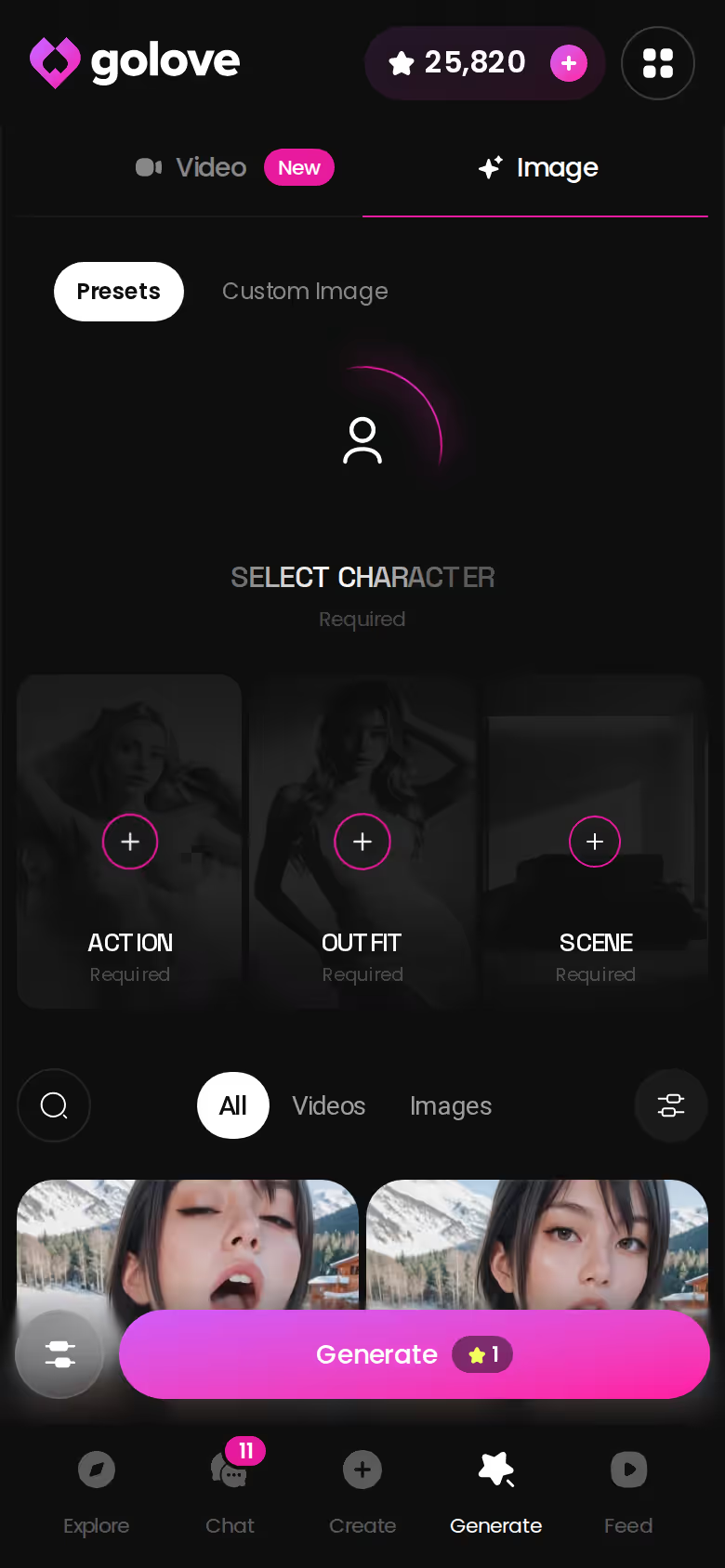
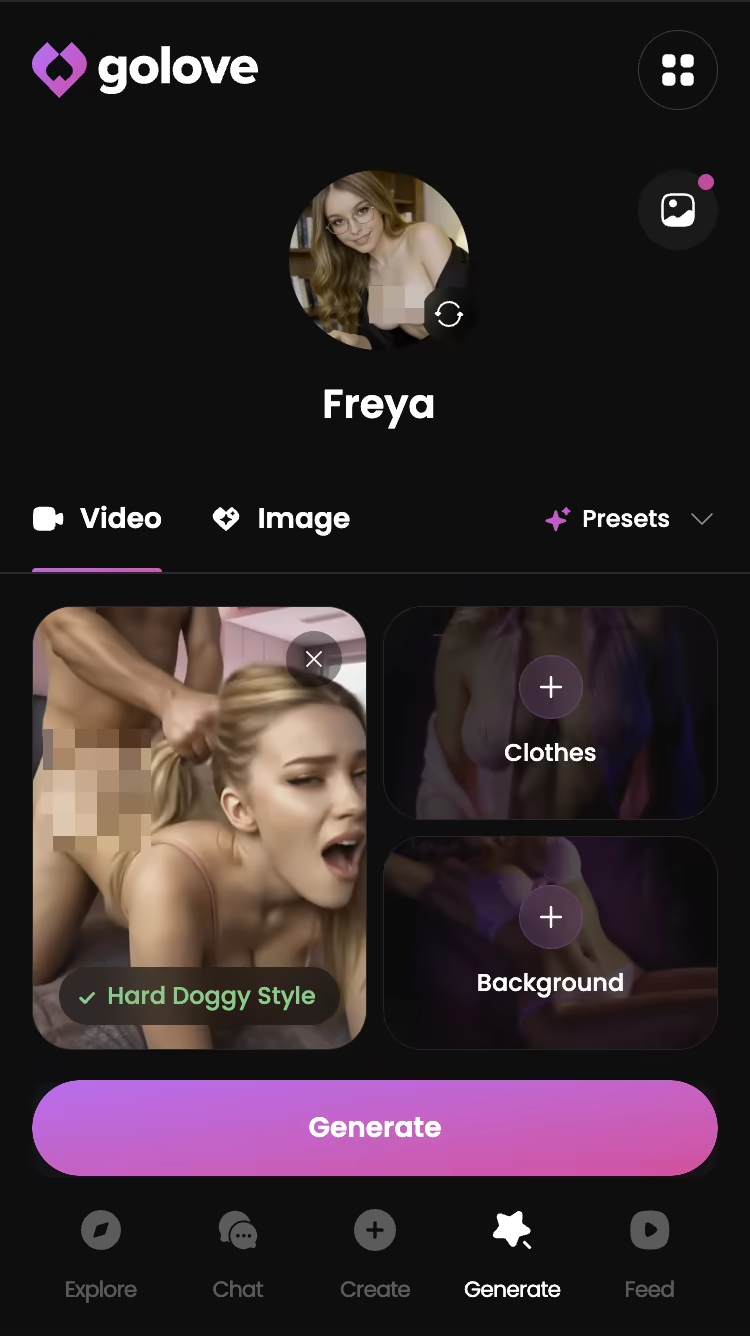
Any photo in the thread can become a video — Generate Video from Photo, plus a Select Action modal with one-tap presets like Twerk or Hard Doggy Style. Video is the secondary reason to pick GoLove (photos and chat carry the weight), but it's also the row no prompt tool matches. The setting that mattered: pick the action before you tap, because the modal is what defines the clip.
The Remixable Video Feed
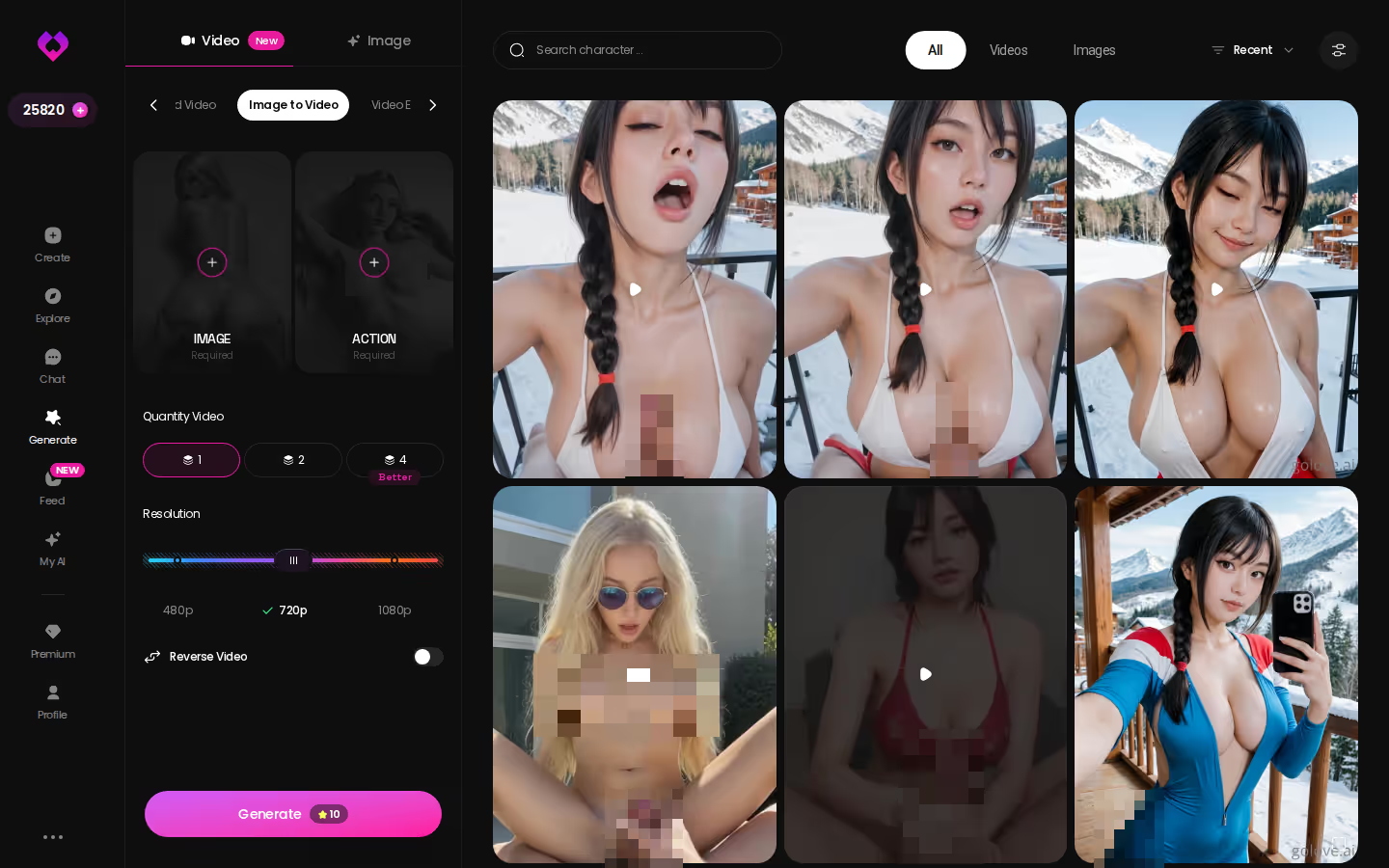
The Feed is a vertical, swipe-up stream of character clips, and every clip carries a Remix wand:
- Remix opens Generate preloaded with that clip's character and exact settings
- Chat jumps straight to the character shown, no re-finding
- Liked keeps every double-tapped clip for rewatching
Free accounts get a limited number of new Feed videos per day, so that first browse is the cheapest way to see what the generator actually outputs before you spend a single Star.
Free Tier: What You Actually Get
GoLove hands out 2 free Stars every day — small, but it resets, so a free account keeps working indefinitely. Chat is open, Explore is open, and the Feed gives you a limited number of new clips daily. What's gated: heavy generation, unlimited Feed, and Feed filters (Realistic/Anime, gender, age).
Paid Tiers and What They Unlock
Checked 2026-07-19; prices vary by region and promo, so treat these as approximate:
- PRO monthly — about $19.99/mo (some regions closer to ~$12.99); -50% and -70% banners have run
- PRO annual — about $119.88/yr, roughly $9.99/mo; a ~$49.80 promo has appeared
- Star packs — starter ~$9.99 up to maximum ~$179.99 for generation-heavy users
BUILD HER YOUR WAY
Face, voice and personality, all set by you.

PRO unlocks unlimited Feed and filters; Stars pay for generation and per-character 'Unlock All' content libraries. Two currencies is one more than I'd like, but at least the split is legible.
Where Competitors Hide Costs
The teaser-credit pattern is universal. SoulGen, Promptchan and PicSo all open with a handful of credits that vanish after a few renders, and then the realism tier or NSFW toggle sits behind a subscription anyway. Candy.ai is closer to GoLove's model but layers a token wallet on top of the plan. None of them post a daily free reset — and that's the row where GoLove's free tier legit surprised me on paper.
Who GoLove.ai Is NOT For
Being fair is what makes a ranking believable, so: three readers should skip GoLove.ai.
- Free-forever generators — if you want unlimited renders with zero paid tier, 2 Stars a day won't cover you. Stars are the currency for photos and videos, and PRO exists for a reason. A local open-source setup fits that need better, rough around the edges as it is.
- App-store purists — GoLove runs in the browser with a mobile layout (Explore, Chat, Create, Generate, Feed in the bottom nav). It works on a phone, but if you need a native install from Apple or Google, it fell short of that requirement.
- Render-only users — if a chat layer is noise to you and you just want a prompt box and a download button, PicSo or Promptchan is the cleaner tool. GoLove's generator is character-first; that's the point, not a bug.
For everyone else — anyone who wants the same girl across chat, gallery and generator — the tradeoff still lands in GoLove's favor. Paying for continuity beats paying for credits that forget you.
Step 1: Pick or Build Your Character
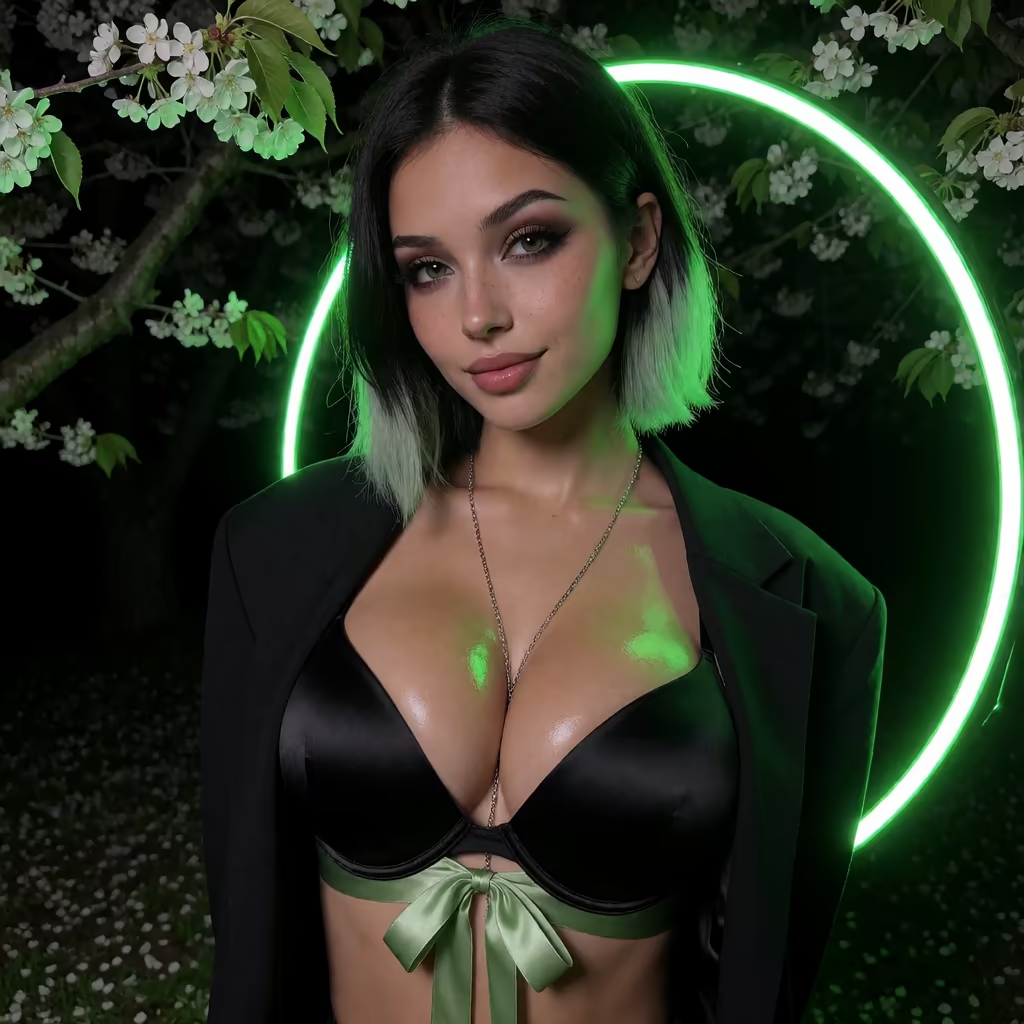
Sign in through anonAuth — no email wall — and you land on Explore. Pick a realistic character (Barbara @dixie or Jessica @hotlinejess are safe first picks) or hit Create, choose Realistic, Anime or Trans, and either set traits manually or use Design with AI: type a concept, it builds her.
Step 2: Set the Scene and Generate
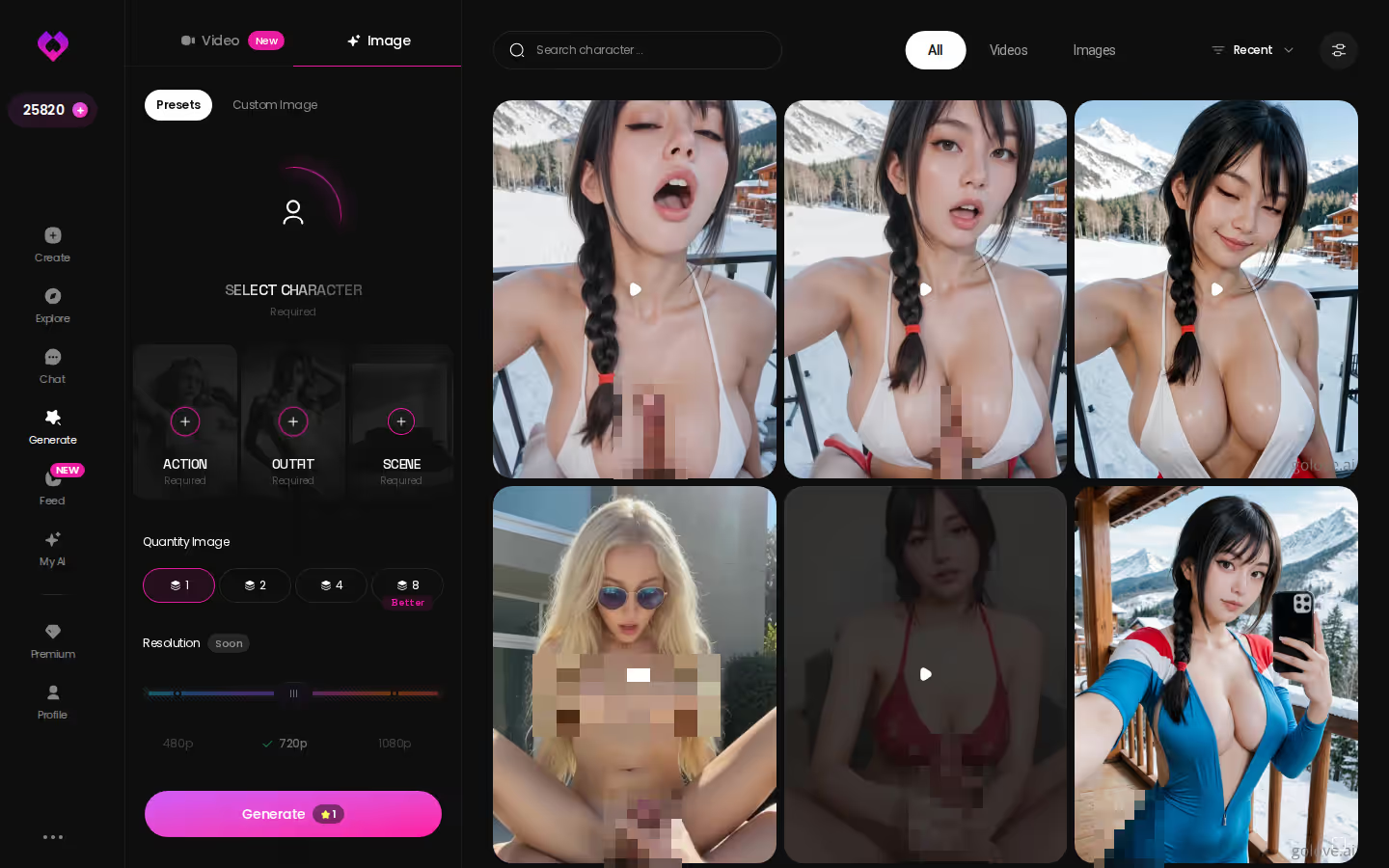
Open Generate. The avatar swap sits top-right — confirm it's her before anything else. Then:
- Pose — one of 35 realistic presets, or custom
- Outfit — 21 options, or describe your own
- Background — 34 scenes, or custom
- Batch — 2, 4 or 8
Tap Generate. Results land in her Gallery, dated. The setting that mattered: batch 4 costs more Stars than 2, but it gives you a real choice instead of a coin flip.
Step 3: Turn the Photo Into Video
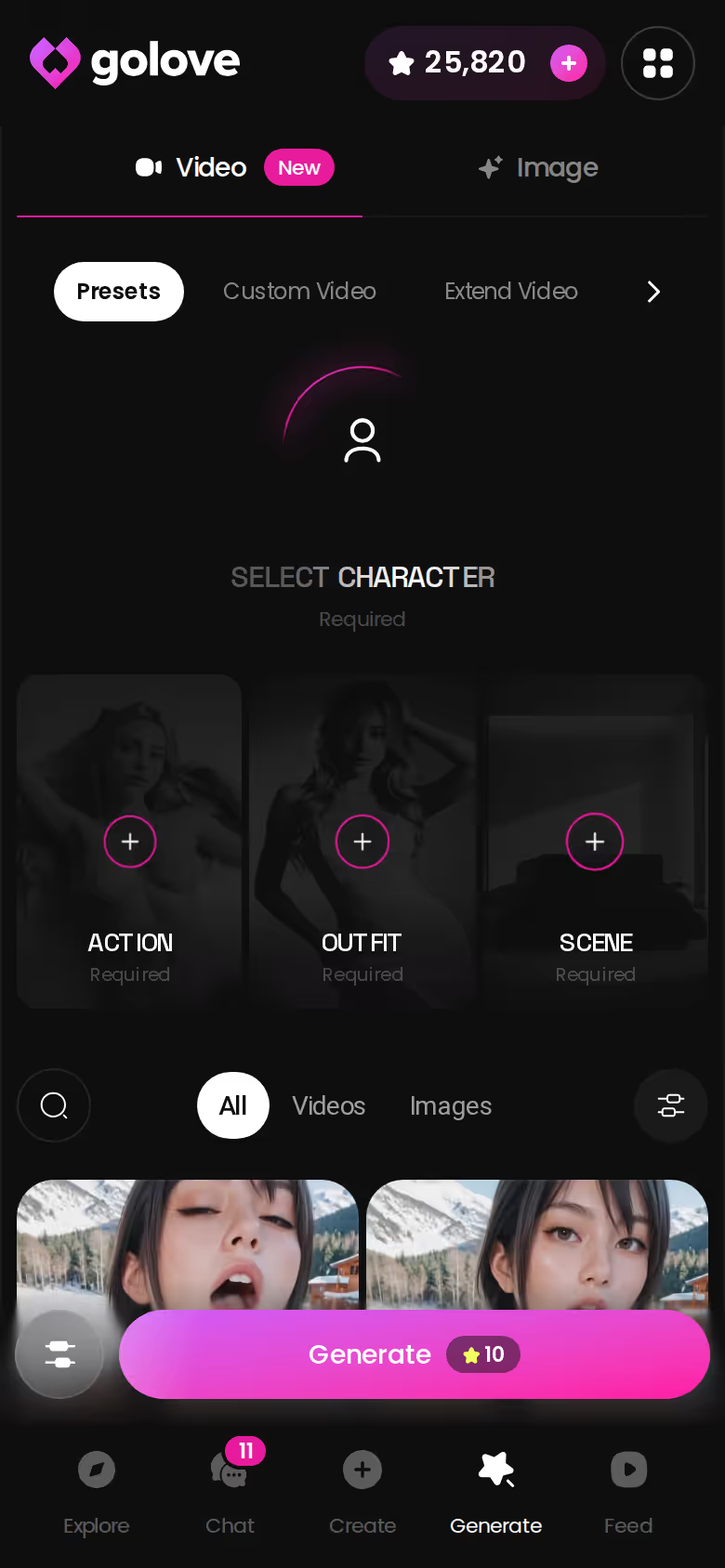
Switch to the Video tab, or go back to chat and tap the photo. Pick an action card, keep the same clothes and background if you want continuity, tap Generate once. Same character, same look, now moving. Treat video as the bonus round — photos and chat are still where GoLove earns its spot.
The Rows That Actually Decide This Comparison
Go back to the scorecard and ignore the top row for a second. Image quality is close enough across these apps that it's a tiebreaker, not a decider. What splits the field:
In-chat photo requests. GoLove sends photos inside the conversation, in character. SoulGen, Promptchan and PicSo make you leave and start over.
Memory & continuity. GoLove remembers chat history and files every photo in a per-character Gallery. The prompt tools remember nothing; Candy.ai gets partway there.
Photo-to-video. One tap turns a chat photo into a clip on GoLove. Nobody else on the table does it without a separate, credit-hungry workflow.
Three rows, one winner, and the verdict matches the table above it. If all you want is a one-off anime render, SoulGen is still a fine choice. If you want a girl who persists — who looks the same next week, remembers what you talked about, and sends photos when you ask — GoLove.ai is the pick.
Create takes a minute and Design with AI does the heavy lifting: describe her once, and the first photo request is waiting for you in chat.
The short version: GoLove.ai covers the essentials in one place — live voice calls, memory across chats, and in-chat photos (35 poses, 21 outfits) — and the 2 daily reward stars mean you can test it before spending anything.
See also: Design AI Girl From Text and Create AI Girl App.
| What you get | GoLove.ai |
|---|---|
| Real-time voice calls | Yes — per-character voices |
| Memory across chats | Yes — remembers your details |
| In-chat image generation | Yes — 35 poses & 21 outfits |
| Daily reward stars | 2 every day |
Frequently Asked Questions
Related Articles
What Is the Best AI Companion: Honest 2026 Ranking
What is the best AI companion? GoLove.ai wins on memory and live voice — in-chat photos and video sit in the same chat. Compare the ranking.

Create AI Girl App: Which One Actually Delivers?
Create AI girl app: GoLove.ai wins on in-chat photo requests, real video, and memory that actually lasts — try it, no email needed.
Design AI Girl From Text: What Actually Works in 2026
Design AI girl from text — GoLove wins on chat memory and in-chat photos, not just a picture. See the scorecard and start, instant-access.
This article contains affiliate links. We may earn a commission at no extra cost to you if you sign up through our links. See how we test.