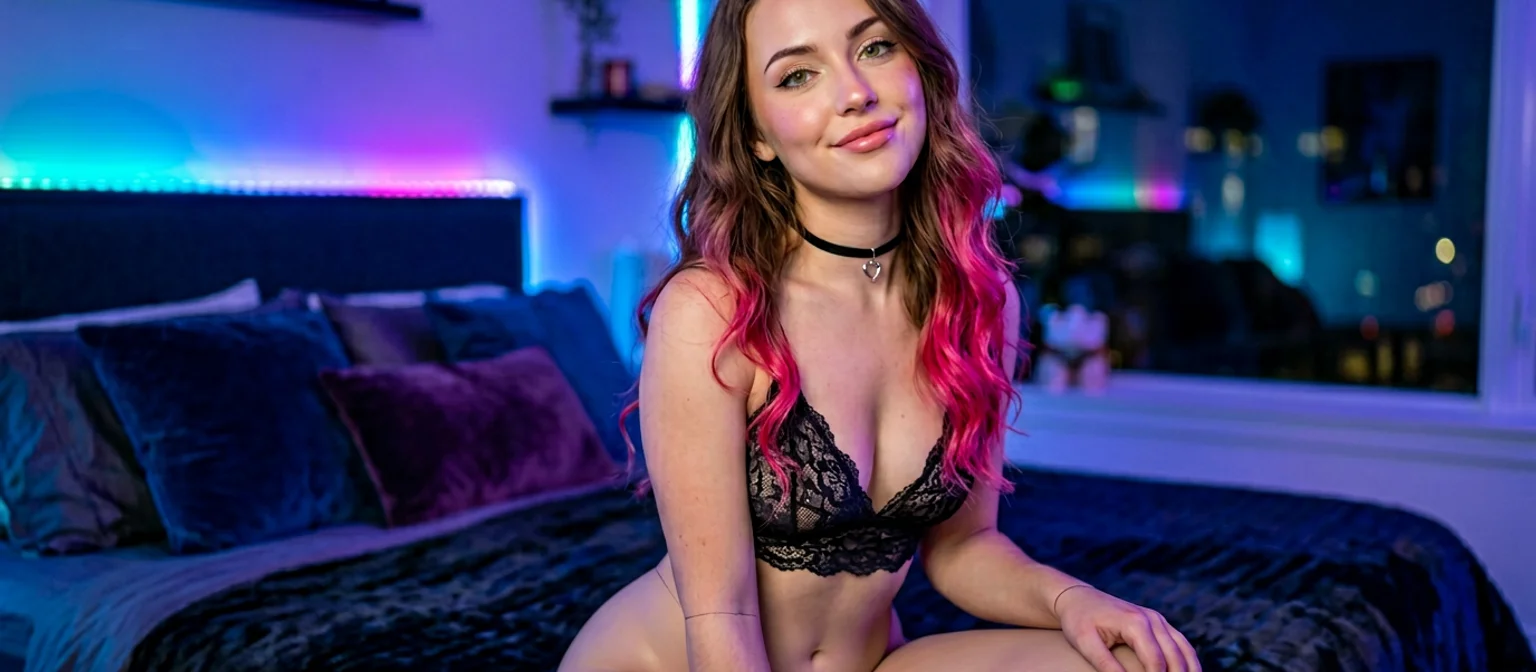
Design an AI Girl From Text
Type a paragraph describing an AI girl. Hit Design with AI on GoLove.ai. Thirty seconds later she's a real character on your account — name, face, vibe, voice — and you can drop into a chat with her. Ask her for a photo, the picture lands in the same conversation. Tap that photo, you get a video. The text prompt is the entry, but the chat is the product.
I've been designing characters this way for a few months. Here's the actual flow — what to write in the prompt, how the chat picks up from there, and the photo-and-video loop you get on the other side.
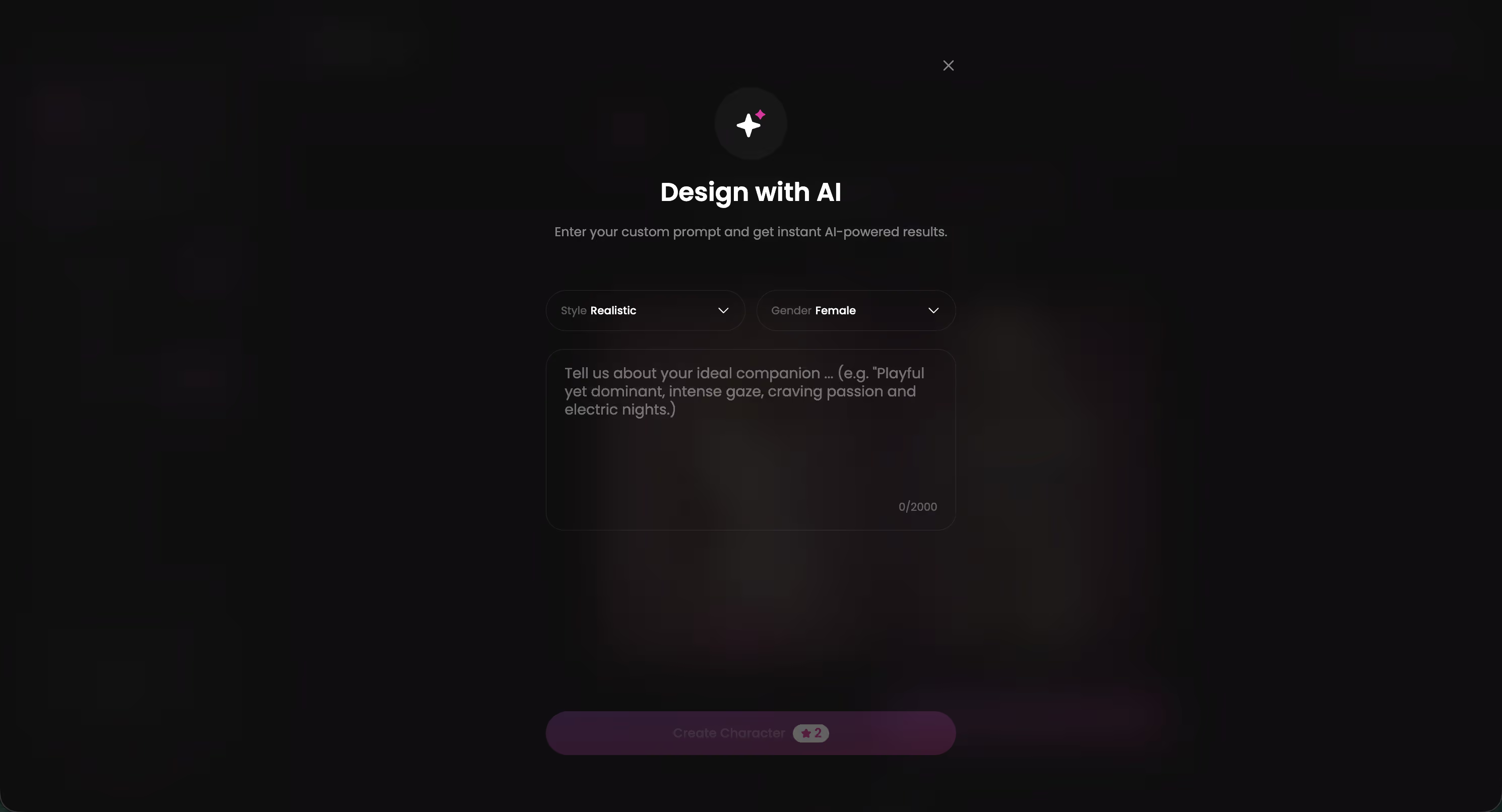
What Design with AI Actually Does
Most platforms make you click through dropdowns. Body type, ethnicity, hair color, occupation, eye color, fifteen sub-options each. By the time you're done you've made a Sims character, not a person. Design with AI is the opposite: one paragraph of plain text, the AI does the rest.
What you actually get out the other end:
- A real character on your account — not a one-shot image, a profile
- A consistent face and body across every photo and video she ever sends
- A personality matching the prompt — sarcastic, shy, dominant, sweet, whatever you wrote
- Persistent memory — chat across sessions, she remembers
- Photos and videos on demand in chat — same character, no re-prompting
The Create page on GoLove also offers Realistic, Anime, and Trans manual flows for users who want full trait control. Design with AI lives on the same page, one tap away. Pick whichever matches your patience level.
The Prompt That Builds Her
Prompt quality is the only variable that matters. A weak prompt produces a generic character. A specific prompt produces someone with a distinct vibe. Here's the structure that consistently lands:
| Prompt slot | What to write | Example |
|---|---|---|
| Age + look | One sentence on age, body, hair, eyes | 22, slim, dark wavy hair, hazel eyes |
| Style / outfit | Default look she wears | Oversized hoodies, ripped jeans, tiny gold chain |
| Job / context | What she does, where she lives in the world | Late-shift bartender in a college town |
| Personality | The chat tone you want | Dry sarcasm on the surface, warm underneath |
| One specific quirk | A detail that anchors her | Always quotes movies wrong on purpose |
Write that as a single paragraph, not a list. The AI reads natural language better than bullets. The quirk slot is the cheat code — one weird specific detail makes the character feel real instead of stock.
From Design to Chat in 30 Seconds
The whole loop is short. Describe, generate, pick, chat. Most platforms stop at “here's your image”. GoLove pushes you straight into the conversation:
- Type the prompt. One paragraph. Don't overthink it. The AI fills missing detail.
- Generate. A few candidate faces appear. Generation runs in seconds.
- Pick a face. The one that matches the vibe wins. The other faces vanish.
- Open her profile. She has a name, age, tags, the whole package — same as any built-in character.
- Tap chat. First reply lands in 1-3 seconds, in the personality you described. The text prompt becomes a real conversation.
- Stay in the chat. Photos, videos, voice messages, all in the same thread. No going back to the generator.
Characters Built This Way
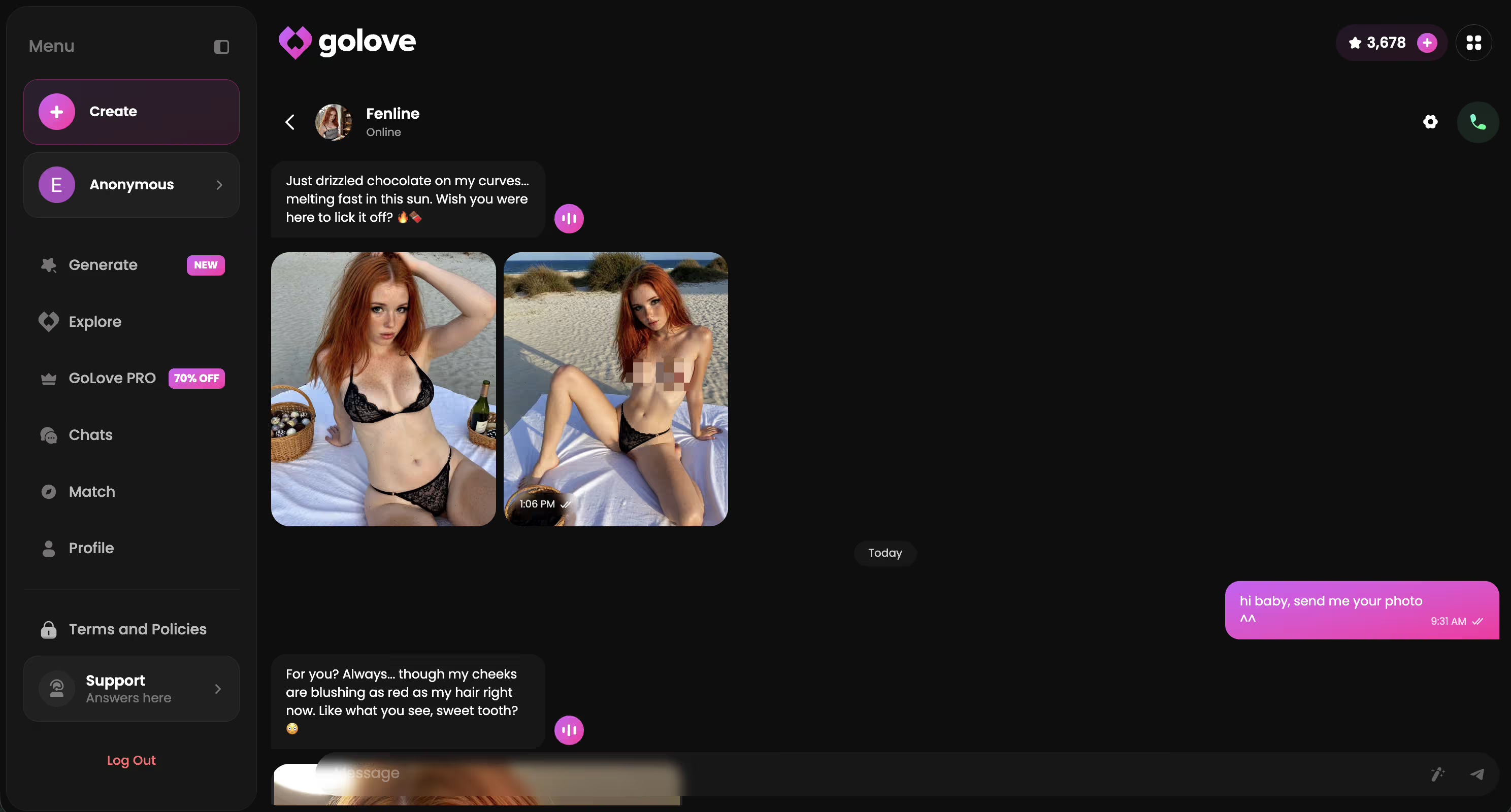
Design with AI gets a lot of the work done, but if you want to skip the prompt entirely, GoLove ships with 300+ pre-built characters in Explore. Browse, pick, chat. The result on the other side is identical to a designed character — same loop, same photo features, same gallery.
Pre-Built Characters You Can Test the Loop With
Tap any one to skip Design with AI and chat now


I usually do a mix. Designed characters when I have a specific vibe in mind. Explore characters when I just want to chat without writing a prompt. Both end up in the same chats list afterward.
Ask Her for Photos and Videos
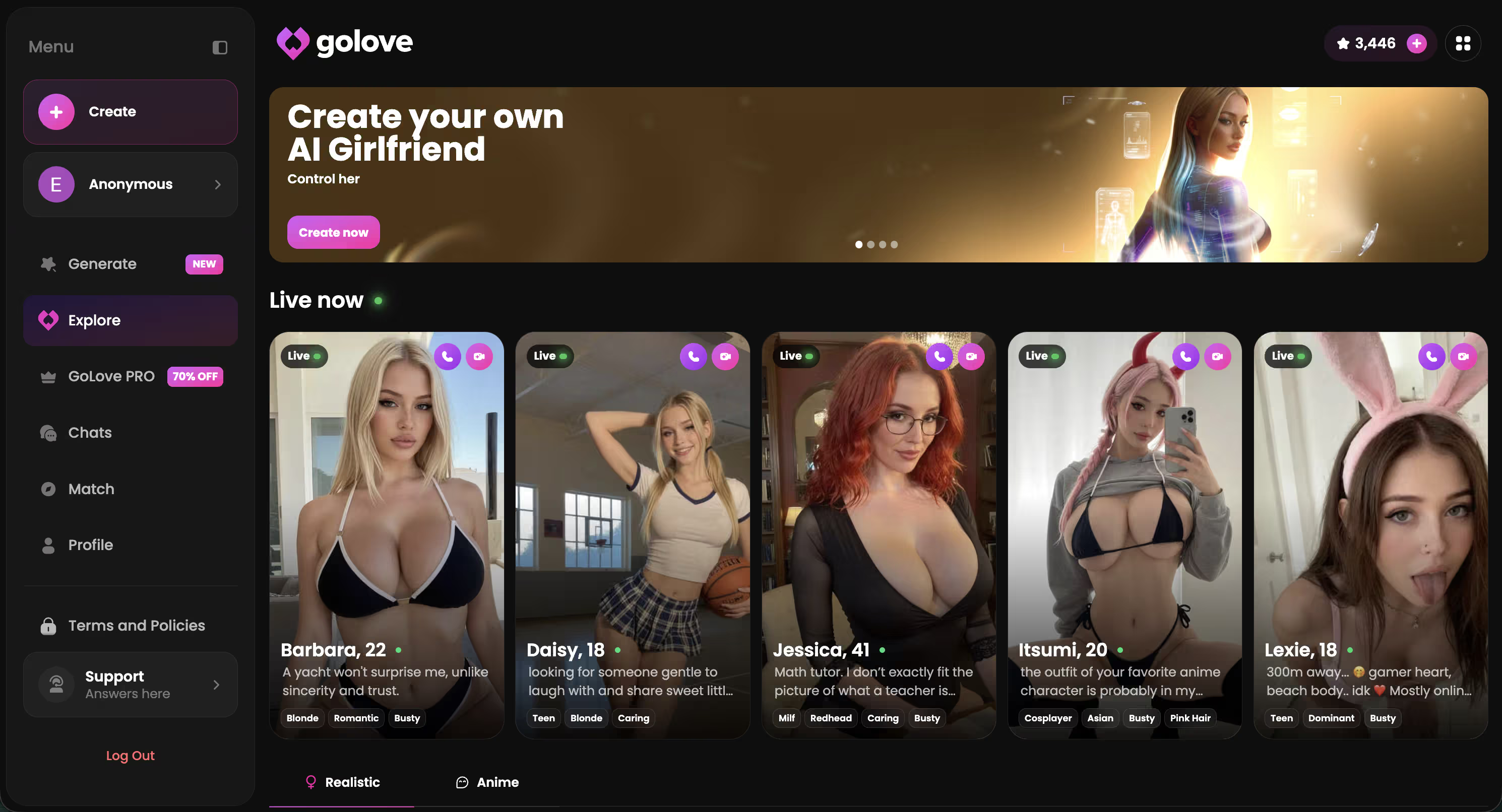
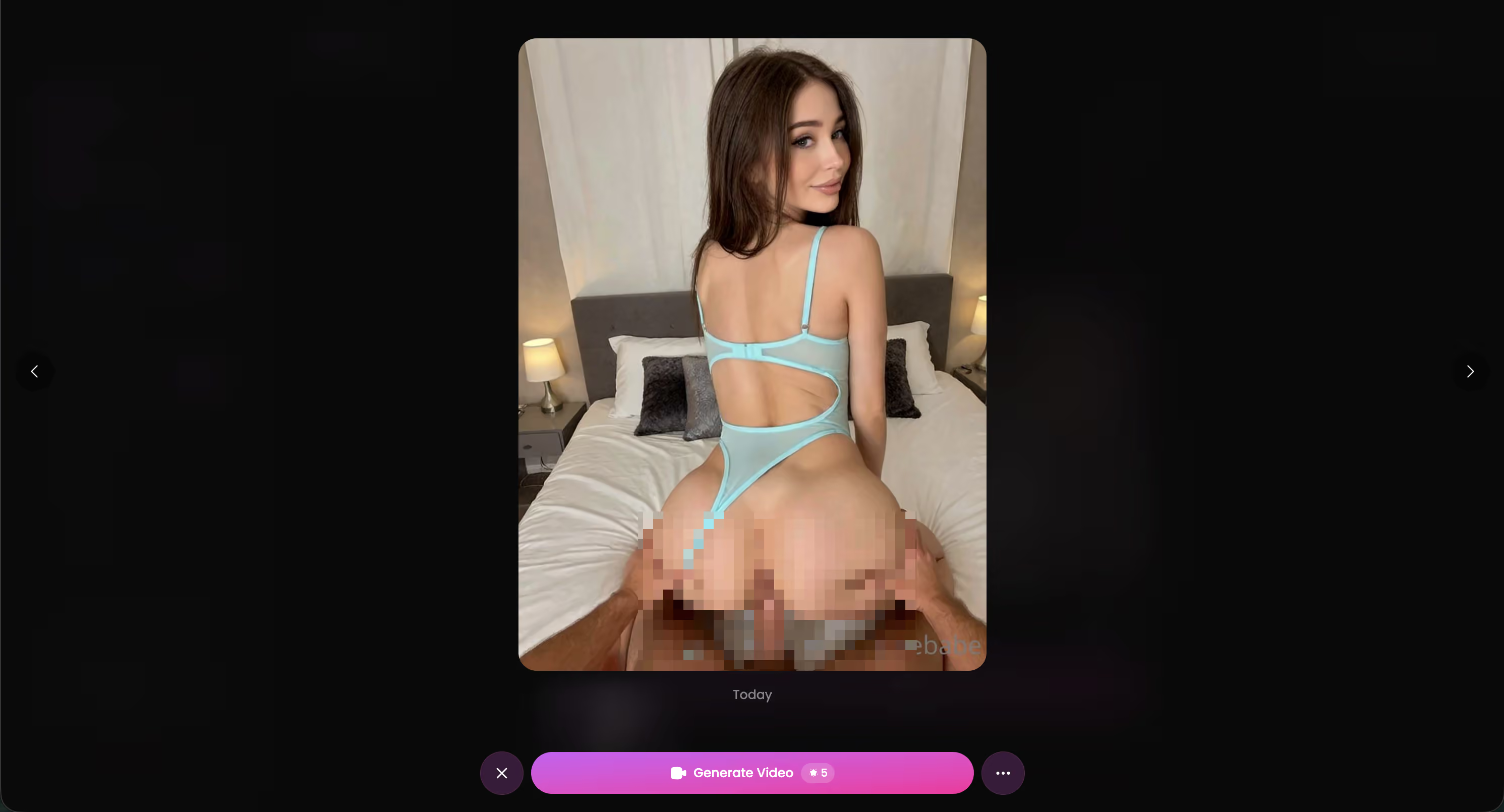
This is the bit that makes the text-prompt approach pay off. Once she exists, you can ask her for photos directly in the chat. The character keeps the look you designed across every picture. No re-prompting, no copy-paste.
What the photo-and-video loop looks like in practice:
Tune Her Personality in Chat Settings
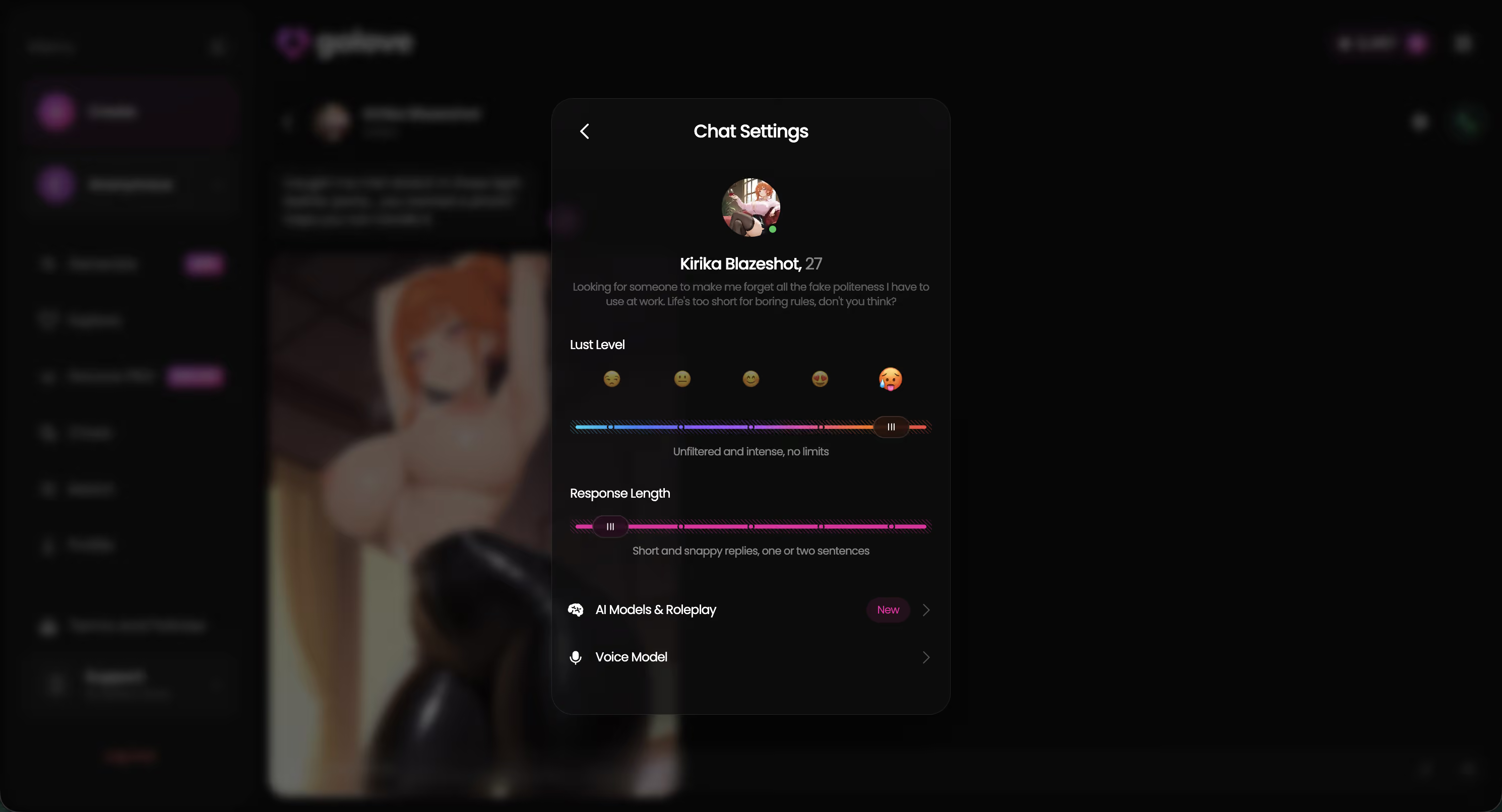
The prompt sets the baseline personality. Chat Settings let you adjust on the fly. The gear icon in any chat opens a panel with three sliders that change everything about how she texts and what she sends.
- Lust Level (1-5): Step 1 is sweet and friendly. Step 3 is suggestive. Step 5 is unfiltered. Same designed character, very different conversation at level 2 vs level 5.
- Response Length (1-5): Short snappy replies at level 1, vivid descriptive paragraphs at level 5. Pick what fits your texting style.
- Voice Picker: Change her voice for voice messages. The Design with AI flow picks a default voice based on the prompt — Voice Picker lets you swap it.
Settings save per-character, so a designed character with sweet personality at Lust Level 2 stays separate from a designed dominant character at Lust Level 5 in the same workspace. If a session feels off, try the slider before scrapping the character — most “she's boring” complaints are actually Response Length on 1.
Design with AI vs Manual vs Explore
Three paths to a character on GoLove. They produce the same end product — a chat — but the entry experience differs:
| Path | When to use | Time to first chat |
|---|---|---|
| Design with AI | You have a specific vibe in mind, want to write it freely | ~30 seconds |
| Manual Create (Realistic / Anime / Trans) | You want full trait control — body, hair, ethnicity, occupation | ~2-3 minutes |
| Explore | You don't want to design — pick from 300+ existing | Instant |
For most people Design with AI is the right starting point. Faster than manual, more personal than Explore. The designed character ends up sitting alongside Explore characters in your chats list — same loop, same photo features, same gallery. The only thing that's different is the entry.
If you want to compare with the broader generator market, the AI girlfriend generator overview walks through what's out there. For the image-generation side specifically, the image generator guide covers the photo loop in more detail.
Build the AI Girl You're Picturing
Open Create on GoLove.ai, tap Design with AI, write a paragraph. She's chatting with you in 30 seconds. Photos in the same thread, video on tap, gallery saved. Free tier covers the design and the chat — no credit card.
Frequently Asked Questions
Related Articles
AI Girlfriend Generator: GoLove's 2026 Pick
Looking for an AI girlfriend generator that actually delivers? See why GoLove.ai wins on image quality, chat memory, and video — try it today.
AI Girlfriend Image Generator (Tested)
I tested 6 AI girlfriend image generators for 3 weeks. Most produce garbage. One lets you control poses, outfits, backgrounds — and actually looks real.
AI Image Generator for Girls: 2026 Picks Ranked
AI image generator for girls, tested honestly — GoLove wins with realistic characters, memory, and photo-to-video. See why tools fall short.

Create AI Girl App: Build Yours in Minutes
Create an AI girl app? I tested GoLove's character creator myself — real face consistency, memory, and photo-to-video. See how it holds up.
This article contains affiliate links. We may earn a commission at no extra cost to you if you sign up through our links. See how we test.