
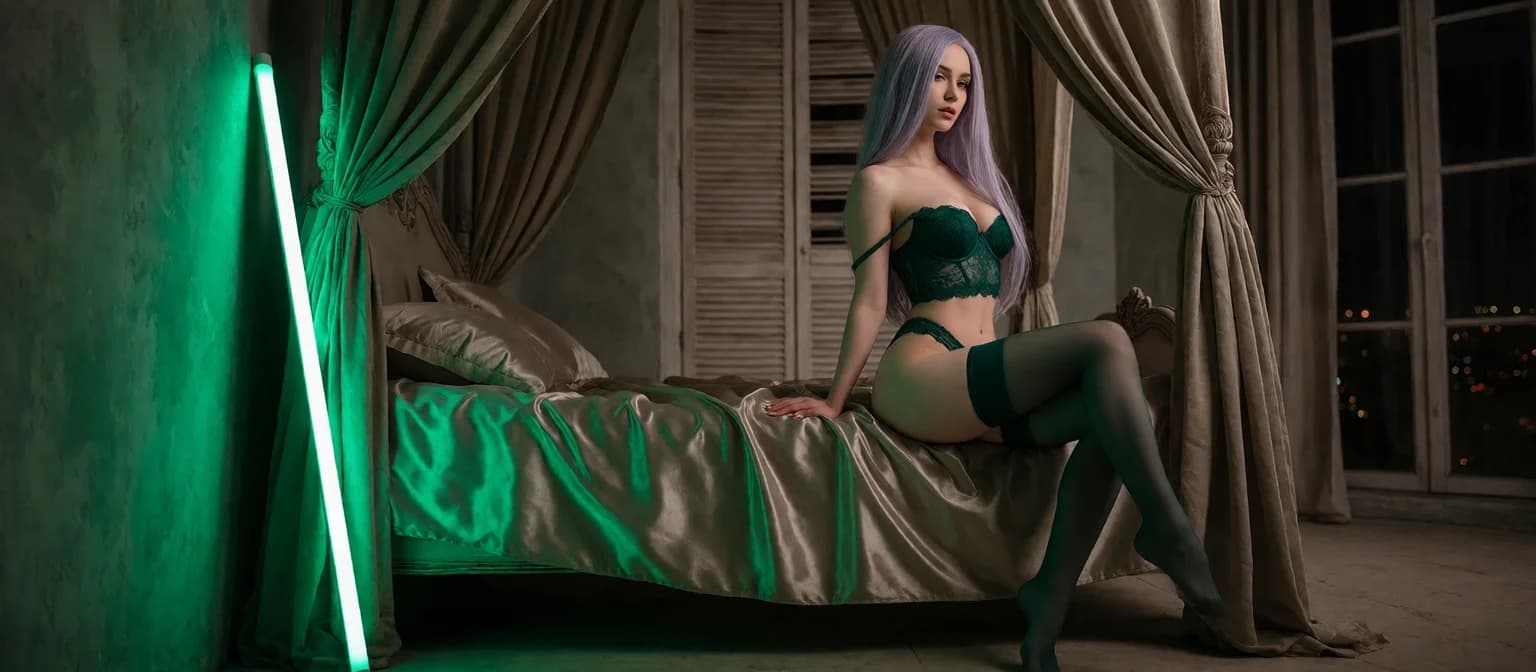
Nude Generator: From One Preset to a Finished Render
Why the Character Comes Before the Nude
Open GoLove's Generate screen and the first thing you see isn't a prompt box. It's a face in the top-right corner and a row of preset cards waiting for a pose. That one design choice is the difference between a nude generator that hands you a random stranger every render and one that keeps the same woman across every photo and clip.
The rest of the layout hangs off that face. The Image and Video tabs sit side by side under a Presets dropdown, but the avatar in the corner decides who all of it gets built around. Tap it, pick someone else, and every card below now renders her.
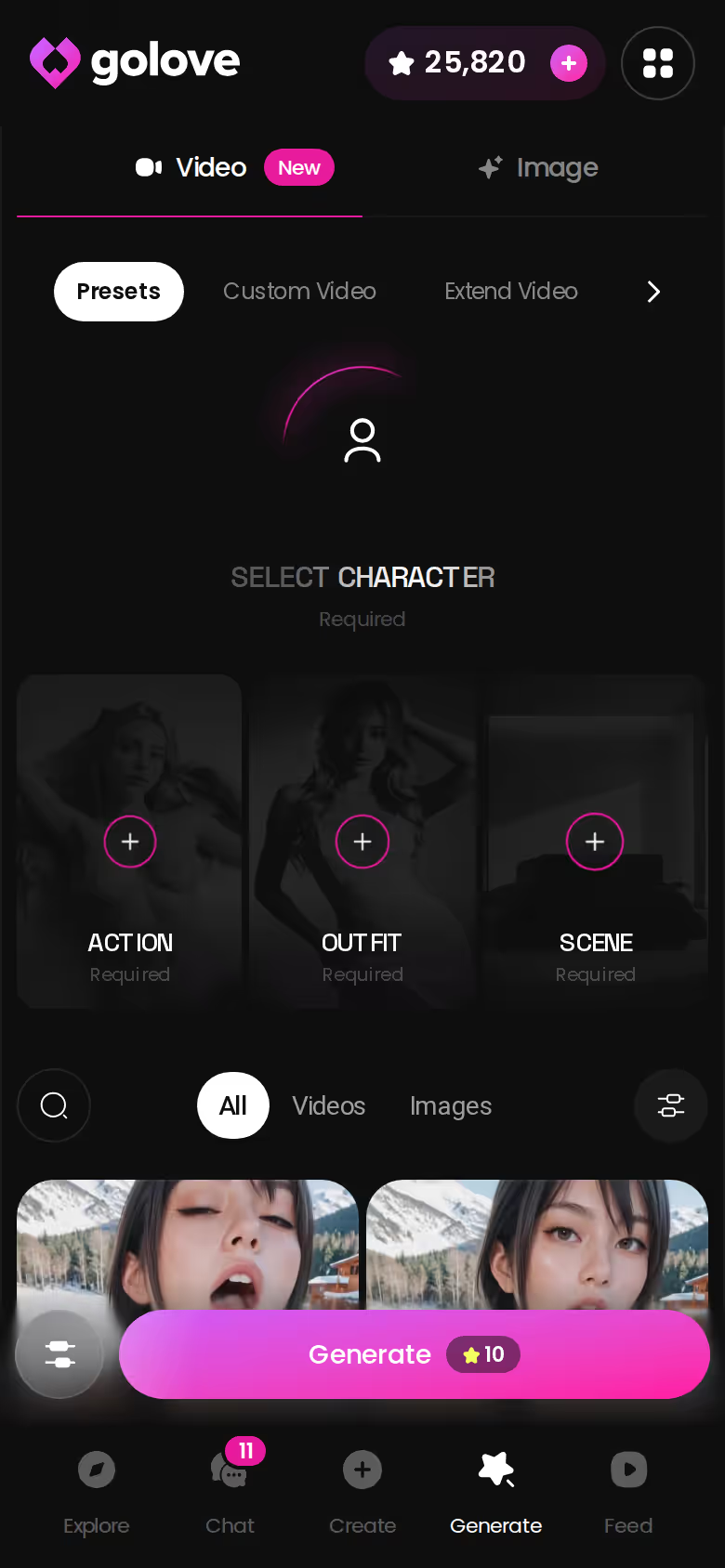
That's my whole argument in this walk-through. A prompt-box NSFW image generator rerolls the face on every run, so render four never matches render one. A character-first generator anchors face and body to one woman. If you want a set rather than a pile of strangers, that's what counts.
First, a ground rule: this guide is about fictional adult characters. An AI nude generator that undresses real people's photos is off the table here, full stop.
So why GoLove.ai? Its generator is built per character, which makes the same face the default. You don't have to coax it out with prompts.
ASK HER FOR PHOTOS
She sends them right there in the chat.
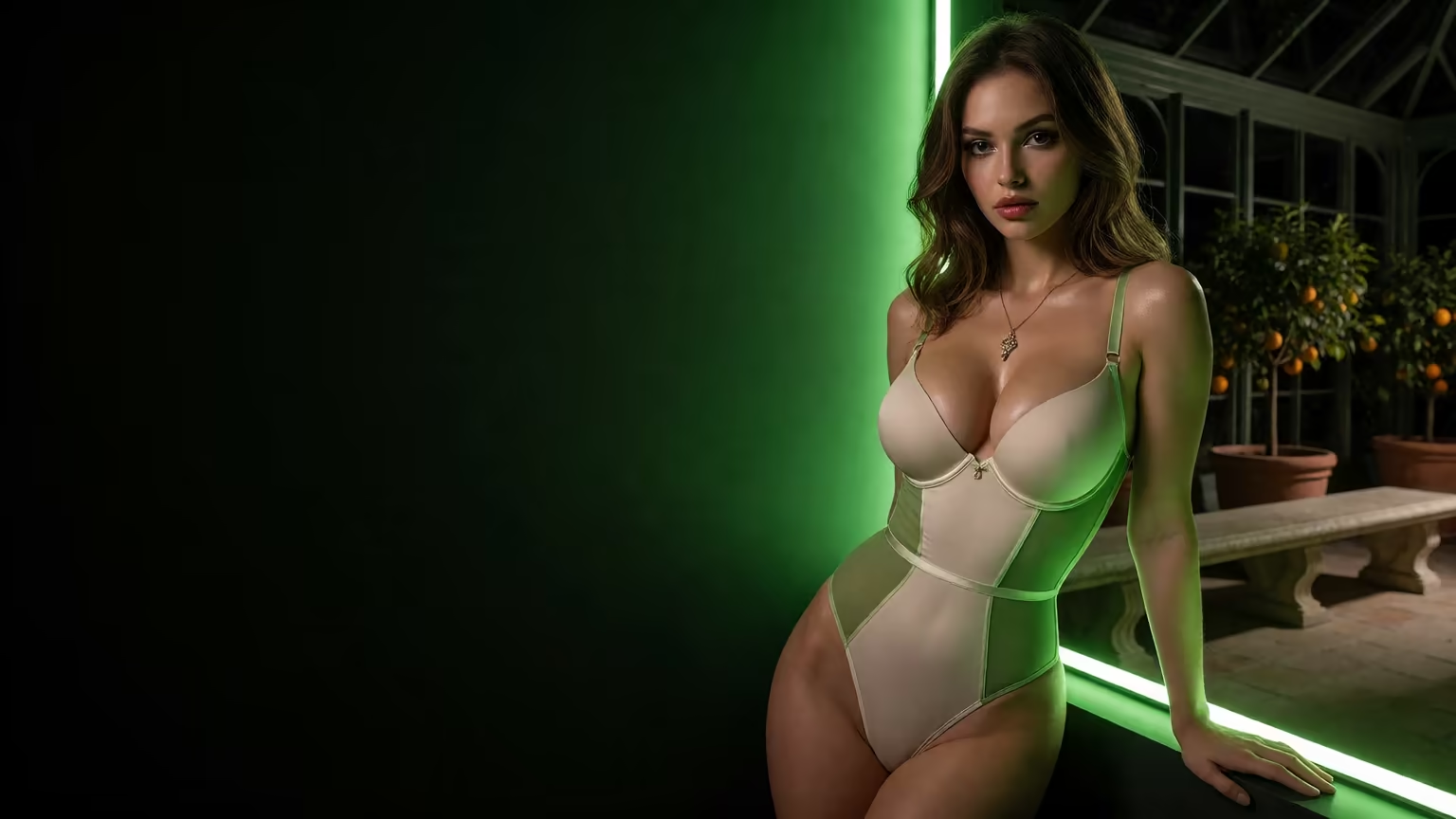
Step One: Choosing Who You're Generating
Pose cards don't matter until you've got a woman to render. Explore splits the roster into Realistic, Anime and Trans, and the Anime side alone holds 300+ anime AI girlfriends. There are no male characters yet (the gender filter lists Male as "Soon"). If that's what you came for, it's a real gap.
 5 episodes
 5 episodes
 7 episodes
 6 episodes
 9 episodes

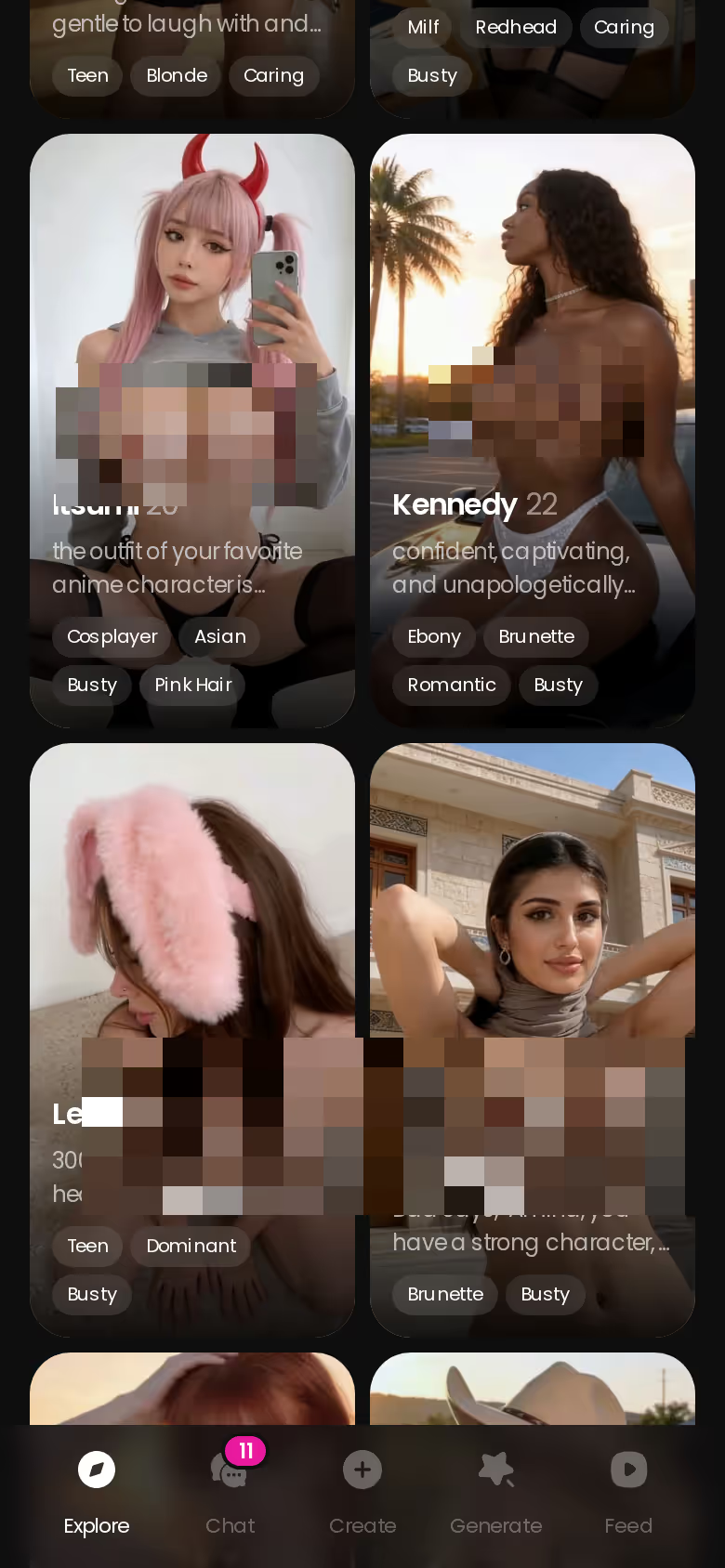
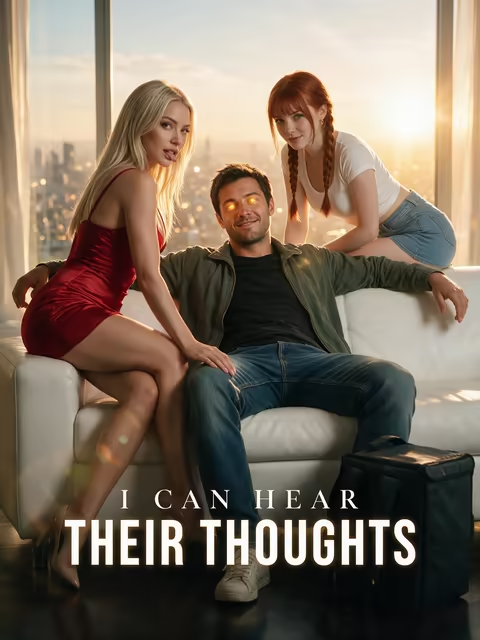
Some of those faces also star in GoLove's Series, its short 18+ vertical dramas. Barbara (@dixie) and Melissa (@melissdelish) lead "I Can Hear Their Thoughts," so you can watch a character flirt her way through a story before you ever render her.
Nobody fits? Design with AI works as a custom AI girl generator. Describe her in plain text, up to 2,000 characters, and in about a minute you get a named character with her own @handle, a written bio and a portrait. She's private by default.
You can get a character three ways:
- Explore: pick an existing character from the roster.
- Design with AI: write her into existence from a text description.
- Create: build her through the Create flow, starting from Realistic, Anime or Trans.
Whichever route you take, the face you land on is the one every later render keeps, and there are 300+ anime girls to choose from before you even touch Realistic or Trans. Pick her now and the generator does the rest.
Building the Image: Pose, Outfit, Background
Here's the click path for a single image, start to finish:
- Open Generate and tap the Image tab.
- Check the avatar top-right before anything else. This is the one setting that matters, because whoever sits there is who every card renders.
- Pick a pose. There are 35 realistic picture poses, grouped into casual, suggestive, body-focus, explicit, positions and lesbian, plus a custom pose if none fits.
- Pick an outfit from 21 options: minimal, casual, warm, bottoms and accessories. Or write custom clothes.
- Pick a background from 34 indoor, outdoor, balcony and venue settings, or type a custom one.
- Choose a batch of 1, 2, 4 or 8 images and tap Generate.

 Watch Popular Shows starring your
 favorite AI characters.
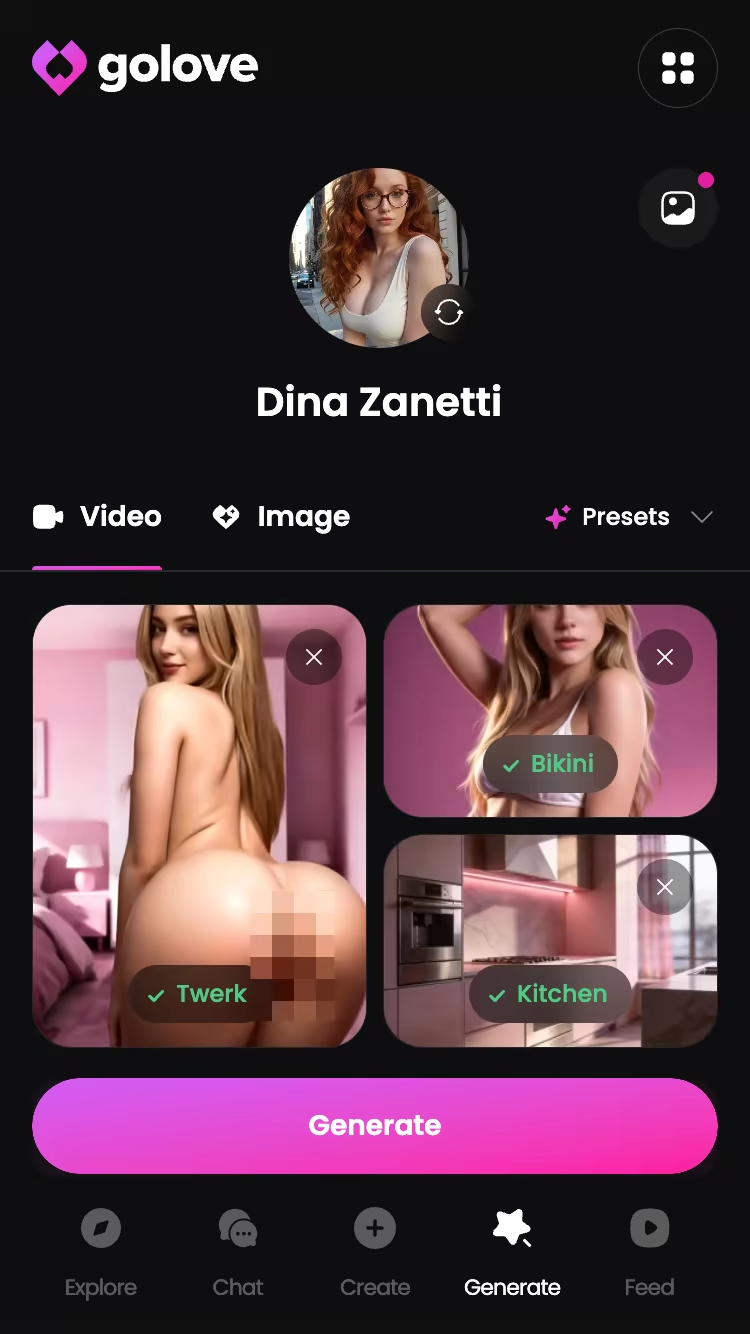
The mobile version is compact: pose, outfit and background stack in one column, and a single tap renders the lot.
At some point the cards will feel limiting. That's what the custom prompt is for, where you describe the shot yourself. The character still anchors the face, so you get freedom over the scene without losing her. Either way, each image costs 1 Star. A batch of four is the cheap way to find the pose and outfit combination that works before you spend on anything bigger.
Characters you can open right now
Tap any of them and the chat starts there






Hentai Art Generator: Same Tool, Anime Switch
You might assume hentai needs a second app. It doesn't. Swap the avatar to a character from the Anime category and the same generator becomes a hentai art generator, with anime preset sets loaded in place of the realistic ones.
> A hentai generator is only as good as its willingness to keep the same girl across ten renders.
That's the bar I'd hold any of them to. On paper, the per-character design kinda nailed it, since the face is tied to the character instead of rerolled from each prompt.
The anime picture set has 15 poses, and several are hentai-only modes you won't find on the realistic side:
- Tentacle
- Stomach bulge
- Ahegao
- Paizuri
Anime characters get 20 video modes. Anime-trans characters have their own sets — 12 picture poses and 16 video modes — and across all four categories the generator holds 89 picture poses and 147 video modes.
AI hentai image generator, anime NSFW generator, realistic nude AI art generator: it's one tool for all three, and the character decides which menu you see. Every character in it is an adult, and that doesn't change when the art style does.
Skipping the Generator: Asking Her in Chat
This is the part I'd actually lead with, because here the nude generator stops being a vending machine and becomes a character.
| What you get | GoLove.ai |
|---|---|
| Voice | Live calls and voice messages |
| Memory | Remembers your chat history |
| Photos in chat | On request |
| Image generator | 35 realistic poses & 21 outfits |
| Daily reward stars | 2 every day |
BUILD HER YOUR WAY
Face, voice and personality, all set by you.
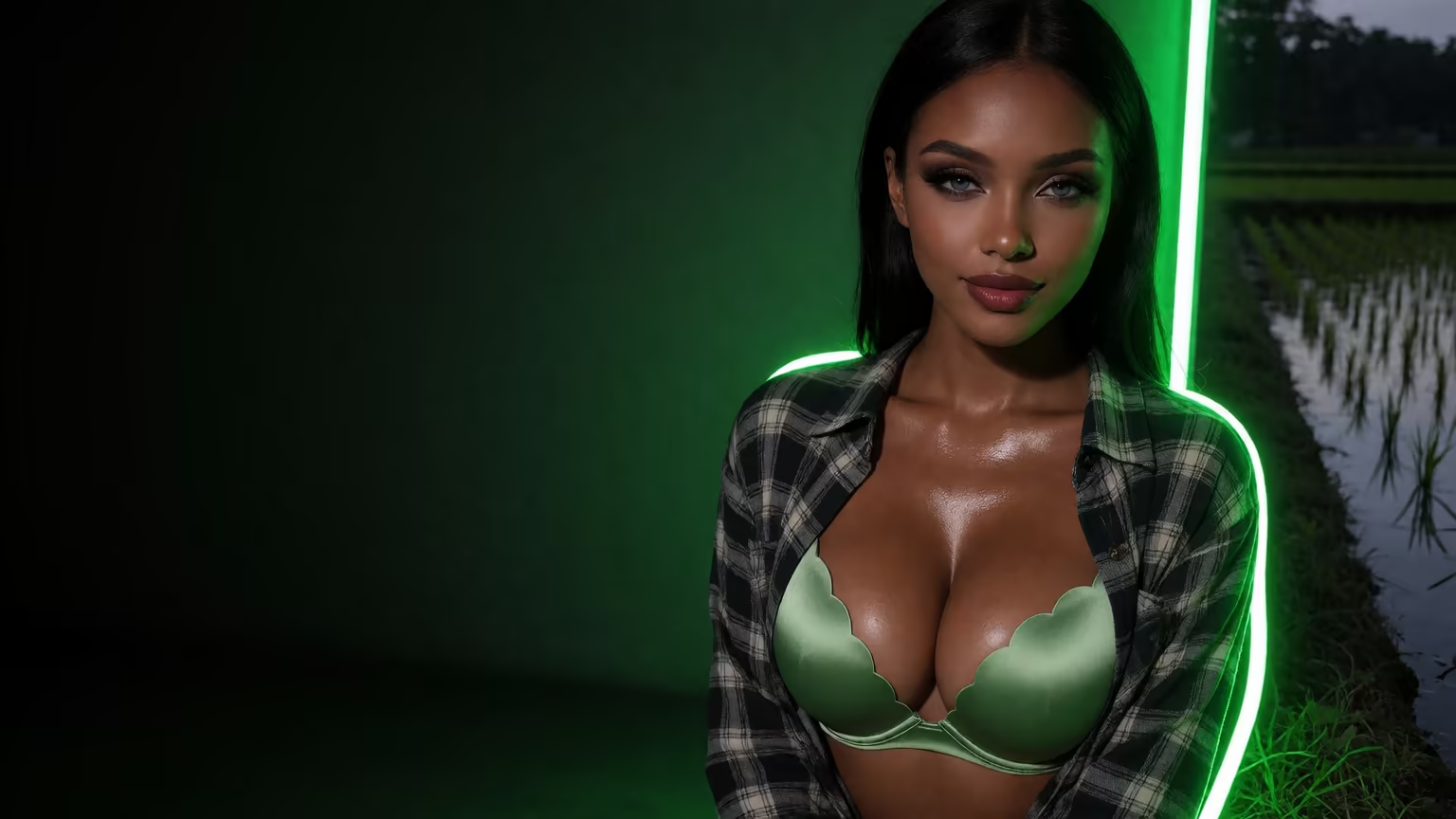
Here's how it goes. You already have someone you like on your roster, so you open her chat and tap the media button. You choose Send Photo and describe the scene in your own words: where she is, what she's wearing (or isn't). About 20 to 45 seconds later she sends back a photo of herself, for 1 Star. Her face and body stay consistent with her avatar and the photos she's sent before, and explicit requests work for adult characters.
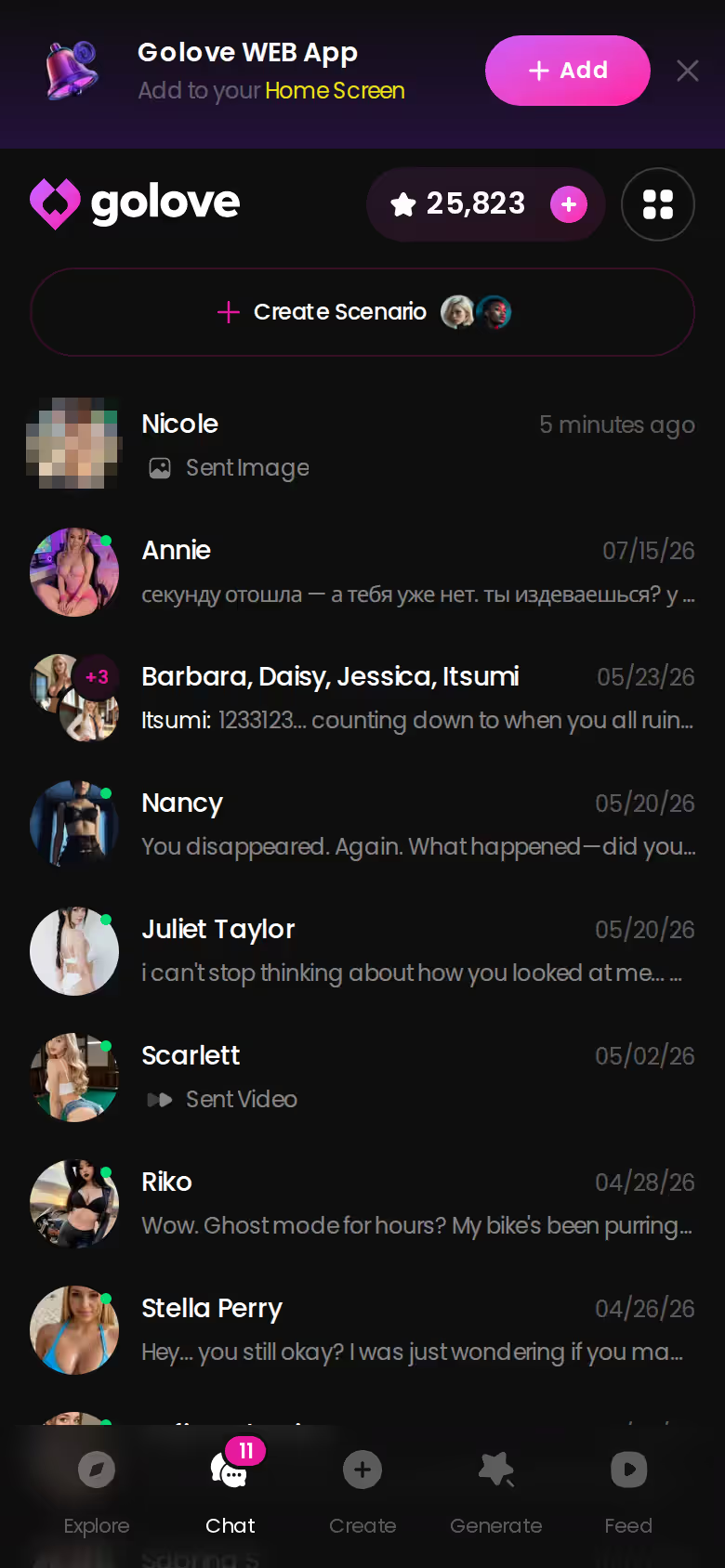
Under that photo sits a one-tap Generate Video. Tap it and the scene you just described becomes a clip of her, roughly 5 seconds long, ready in about a minute, for 10 Stars. Don't feel like typing? The "Send me a sexy video" quick-reply chip makes the request for you.
What changes is context. In the generator, you assemble a render from cards. In chat, the request lands inside a conversation she remembers, so the photo arrives as her answer to your flirt — not as the output of a form. I'd argue that's the real appeal of AI girl nude photos: the woman sending the image matters as much as the image.
Turning Stills Into Video, and What It Costs
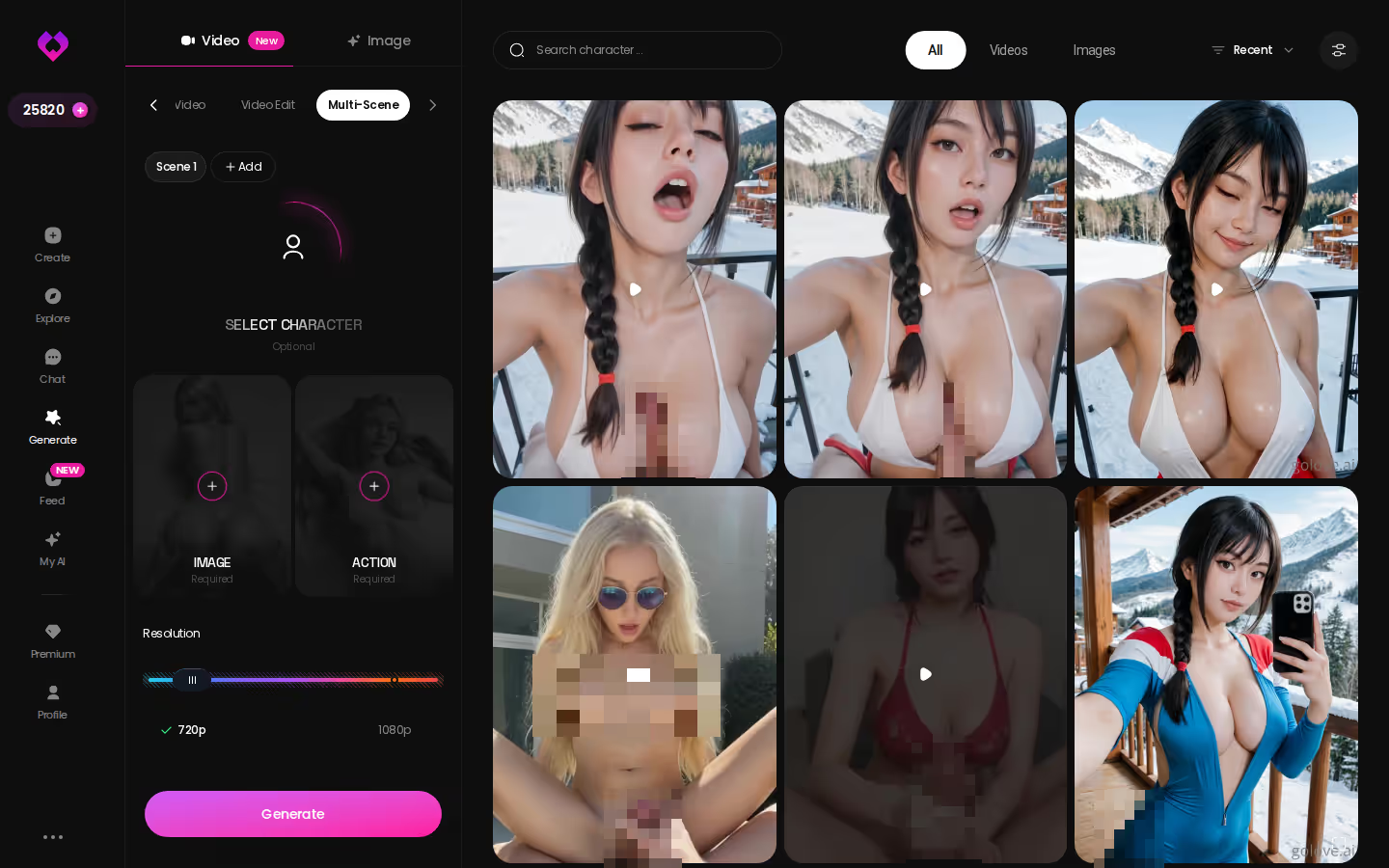
Got a still you like? The Video tab works much the same way:
- Presets pair the character with an action, with outfit and scene optional.
- Image to Video animates a render you already have.
- Extend Video lengthens a clip you've made.
- Multi-Scene chains several moments into one video.
The short version: GoLove.ai puts live voice calls, memory and photos on request in one chat, and its image generator adds 35 realistic poses and 21 outfits. You also get 2 reward stars every day you log in.
You can run 1, 2 or 4 videos at a time at 480p, 720p or 1080p, and the realistic set alone has 76 video modes.
Here's what Stars buy, checked October 2026 (prices vary by region and promo):
- Free: 2 reward Stars a day.
- Images: 1 Star each.
- Video: 10 Stars for a 720p clip.
- PRO: about $19.99/month or $119.88/year, with 100 Stars included each month.
- Star packs: about $9.99 for 30 Stars, up to $299.99 for 3,000.
My read on that split: a batch of eight photos costs less than one 720p clip, so photos are where you play and video is where you commit. Two free Stars a day won't stretch to a clip, and that's the honest catch on the free side.
OurDream also bundles chat, image and video in one subscription, from about $19.99/month or about $9.99/month on an annual plan. Its images, voice and video draw on a separate DreamCoins balance, and it's web-only, with no native mobile app. If a bundle-with-coins model suits you, it's a reasonable place to look.
and watch their story unfold.View Character
What We Couldn't Verify at GoLove.ai Yet
A few things I'd still check before paying:
- Offer length: the new-user −70% first-subscription deal is labelled limited-time, and we couldn't confirm when it ends.
- ULTRA Stars: ULTRA adds more monthly Stars than PRO, but we couldn't confirm how many.
- Feed quota: free accounts get a limited number of new Feed videos per day, and we couldn't confirm the exact count.
Prices also move with region and promo, so treat every figure here as approximate. Creating a character from your own photos is an ULTRA-only alpha with its own policy page — and never upload anyone who hasn't agreed to it.
If I were starting tonight, I'd keep it simple:
- Pick one character from Explore.
- Render a batch of four images on a single pose, outfit and background.
- Keep the best one and turn it into a 720p clip.
That's 14 Stars total. It's also why GoLove.ai is my pick for this search: the photos and the video come out of one generator that keeps the same woman from the first render to the last clip.
Your first batch costs four Stars, and the face in the corner is the same one you'll see when the clip plays.
Frequently Asked Questions
Related Articles
Best Uncensored AI Image Generators for NSFW: 4 in 2026
Best uncensored AI image generators for NSFW, ranked — GoLove.ai wins on preset-stacked explicit poses that turn into video. Compare 4 options and pricing.
Design AI Girl From Text: What Actually Works in 2026
Design AI girl from text — GoLove wins on chat memory and in-chat photos, not just a picture. See the scorecard and start, instant-access.
Best AI Image Generator for Girls: Honest 2026 Ranking
Best AI image generator for girls: GoLove.ai wins on photo-to-video and in-chat memory, not static renders. Try it — instant-access needed.
Best NSFW Chat Bot: What Actually Works in 2026
Best NSFW chat bot for 2026 — GoLove.ai wins on in-chat photos, voice notes and memory that sticks. Compare 5 apps and see where tiers stop.