The Quick Verdict on Uncensored AI Image Editors
I've spent three years pushing Stable Diffusion checkpoints past what they were built for, so a prompt box with the safety filter switched off was never going to impress me. That's not an uncensored AI image editor. That's a prompt box with fewer manners.
Verdict first: GoLove.ai takes it — not because it out-renders a well-tuned local checkpoint (it doesn't), but because it's the only one where the same girl is still the same girl on generation twelve.
The number that settled it: one usable image of a specific recurring character cost me 17 generations in a standalone uncensored editor — jawline drifting, eye colour flipping, me fighting the prompt the entire way. In GoLove chat it took 2, because the character already exists and all I'm choosing is the pose.
- Continuity — GoLove locks likeness to a character profile, not to a seed you have to babysit.
- Speed — 35 realistic picture poses, 21 outfits, 34 backgrounds as preset cards. No prompt engineering.
- Batches — 2, 4 or 8 images per generation, so you pick the best frame instead of rerolling.
Barbara (@dixie) took most of my likeness testing — Temptress vibes, very forgiving lighting. Jessica (@HotlineJess) and Lexie (@iamlexiebabe) gave me two completely different face structures to stress-test consistency against. All three held up. Browse them before you spend a cent — thirty seconds is all it takes to know whether the aesthetic is your thing.
Characters Worth Trying
Tap any character to start a chat


What I Actually Tested
Simple experiment. One character description — auburn hair, freckles across the nose bridge, green eyes, soft key light from camera-left — run through a standalone "uncensored AI image editor" twice, with identical prompt text and identical negative prompts (the usual deformed hands, extra fingers, watermark stack).
Generation one: clean af. The skin texture had actual pores instead of that airbrushed plastic look, and the rim light on the shoulder read like a real softbox. Chef's kiss.
Generation two, same prompt, new seed: different woman. Narrower nose, freckles gone, eyes drifted toward hazel. Not a variation — a stranger with the same haircut.
That's the whole problem. Text-to-image samplers are stochastic; identity lives in the seed, not the prompt. Lock the seed and you get the same pose forever, free it and you lose the face. I burned about forty minutes fighting that trade before calling it.
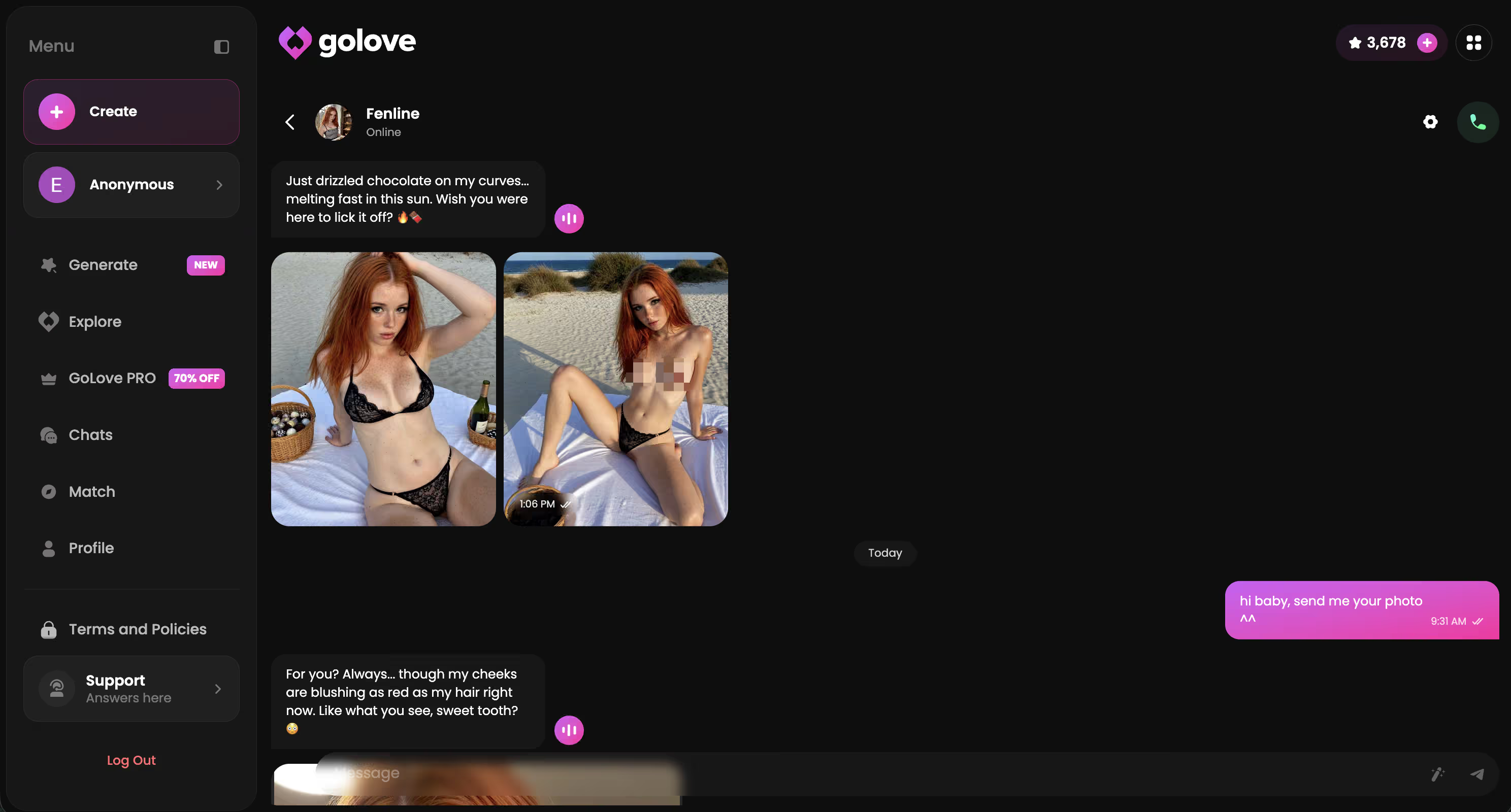
Then I ran the equivalent in GoLove: opened Barbara's chat, asked for a photo, picked a pose. Second image, same face. Third, same face. Identity is stored on the character rather than gambled per generation — which is the entire architectural difference. I go deeper on that in my one-face-every-pose testing.
The Scorecard: Where It Wins and Where It Doesn't
Straight comparison, based on the runs above. By "standalone editor" I mean the typical uncensored web tool — a re-skinned SD checkpoint with the safety filter stripped and a credit meter bolted on.
| What matters | GoLove.ai | Typical standalone uncensored editor |
|---|---|---|
| Raw image quality | Strong — realistic skin texture, sane lighting; not customisable at the sampler level | Ranges from fire output to genuinely mid, depends entirely on the checkpoint |
| Character / photo continuity | Wins — likeness bound to a character profile, holds across sessions | Seed roulette; likeness drifts every reroll |
| Ease of use | Preset cards: 35 poses, 21 outfits, 34 backgrounds — zero prompt syntax | Prompt + negative prompt + settings; real learning curve |
| Pixel-level control | No masking, no CFG slider, no sampler choice | Wins — full control if you know what the knobs do |
| Value | One subscription covers chat, photos and video | Credit packs, and media-heavy use burns them fast |
Prices checked 2026-08; promos vary.
Three of five rows go to GoLove, and the two it drops are the two only a power user will miss. Want the wider field? Here's the AI girlfriend apps I compared side by side.
That continuity row is the whole reason to act today rather than bookmark this — every hour you spend rerolling seeds somewhere else is an hour you don't get back. Pick a character, request one photo, and watch the face hold on shot two.
Inside GoLove's Photo Request Flow
The flow is boring, and I mean that as praise. No prompt box unless you go looking for one.
- Open a character's chat — from Explore, or straight from the Feed if a clip caught your eye.
- Request a photo mid-conversation. The Request Photos in Chat control sits right in the message bar; you don't leave the thread.
- Pick the parameters from preset cards — pose (35 realistic ones, including a custom pose slot), outfit (21, plus custom clothes), background (34, plus custom).
- Batch it: 2, 4 or 8 images. I default to 4 — enough spread to choose composition without waiting around.
She sends it back in the thread, in-character, which sounds like set dressing until it clicks that the image is generated against her profile, not against a blank prompt.
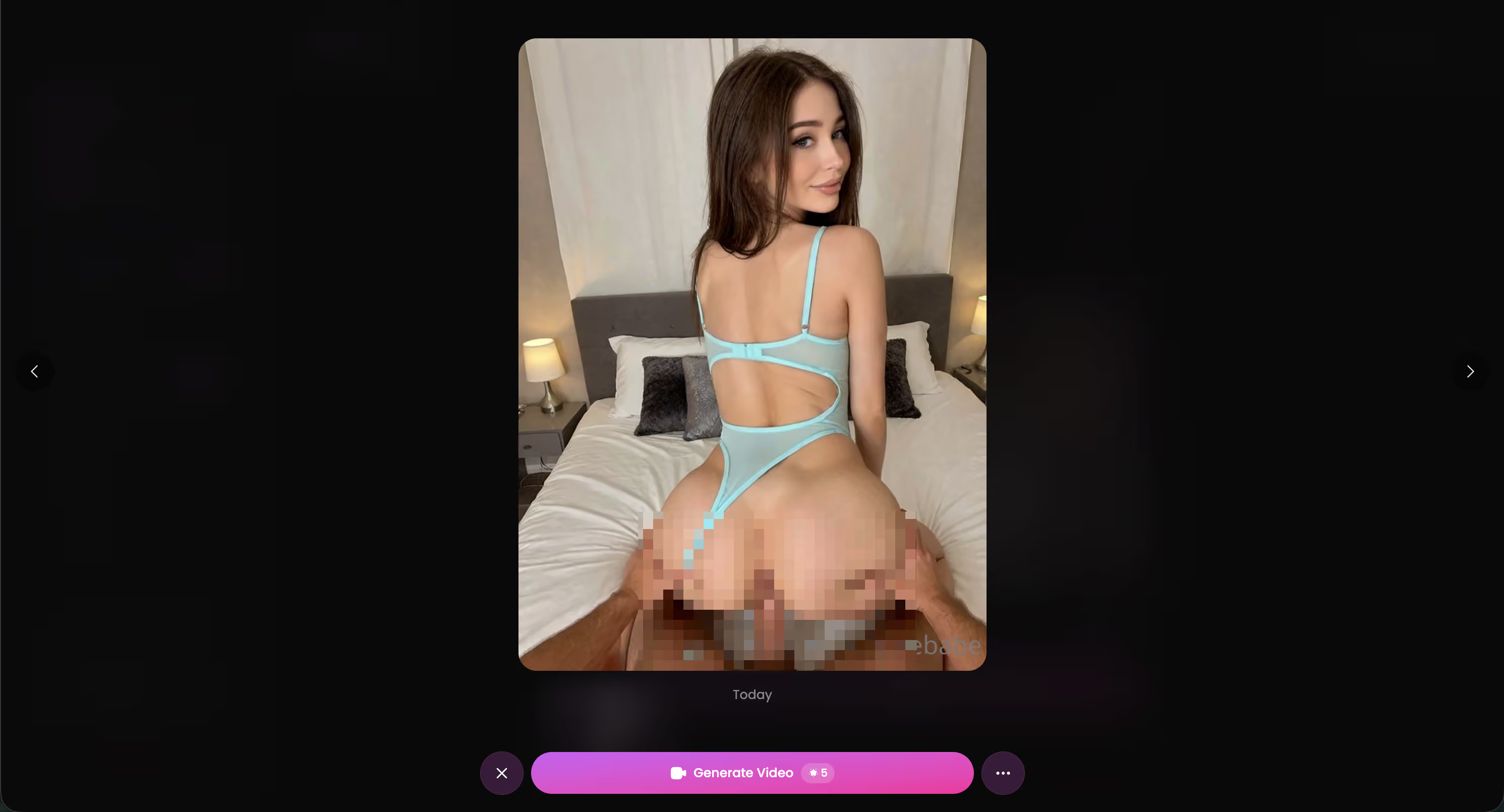
Generate Video from Photo is the obvious next step — same character, same face, now moving. It lives in chat too, with a Select Action modal for video actions. Same logic as the photo flow: you're choosing from presets instead of writing a motion prompt, and the identity carries over. That's the part standalone editors structurally can't do — I unpack it further in my editor comparison.
The Pixel-Level Control GoLove.ai Skips
Now the part that'll bug anyone who came up on A1111 or ComfyUI.
There's no manual inpainting mask. When the left hand comes out absolutely cooked — and hands still come out wrong sometimes, everywhere — you can't lasso that region and regenerate only those pixels. You reroll the batch and hope. Coming from a workflow where I'd mask a 200px square, drop the denoise strength to 0.4 and fix a finger in eight seconds, that's a genuine downgrade.
No CFG scale slider either. CFG is how hard the model clamps to your prompt versus wandering off; at 4 you get soft, painterly, slightly-off-brief results, at 12 you get rigid over-baked ones. GoLove picks a value and you live with it. Sampling's the same story — no DPM++ versus Euler a choice, no step count, no scheduler.
And no LoRA loading, which for plenty of artists is the entire reason to run local.
None of this is a bug. It's a product decision — presets instead of parameters, so the tool works for people who don't know what a scheduler is. But if your idea of editing is surgical, you'll feel the walls.
===SECTION:what-i-couldn't-test===
Honest gaps, no invented numbers.
- Memory depth — GoLove remembers conversation history and characters progress over time, but my window was days, not months. Whether a character still recalls a detail you mentioned in week one, after hundreds of messages, I genuinely can't tell you. I only know it held across my sessions.
- Promo durability — I saw a heavy discount banner on the PRO upgrade. Promos rotate and pricing varies by region, so treat any figure — mine included — as a snapshot, not a contract.
- Video generator ceiling — the photo-to-video and in-chat Video Actions features are recent additions. They worked in my runs, but "recent" means the behaviour may keep shifting, and I can't speak to how the newest modes hold up at scale.
None of that changes the verdict. The thing I could test — likeness holding across repeat generations — is exactly the thing standalone uncensored editors fail at, and it passed cleanly. The unknowns sit around the edges, not at the core.
What I Couldn't Test at GoLove.ai
Three honest gaps. None of them touch the thing this article is actually about.
- Memory depth — she held context across my whole test window, no drift, no forgetting the running joke. But days isn't months. Whether a detail from week one survives hundreds of messages later? Can't tell you. Nobody testing for a week can.
- Promo durability — I caught a heavy discount banner on the PRO upgrade, and pricing shifts by region anyway. Treat any figure — mine included — as a snapshot. Prices checked 2026-08; promos vary.
- Video generator ceiling — photo-to-video and the in-chat Video Actions modal are recent. Both worked clean af in my runs, but "recent" means behaviour keeps moving, and I can't vouch for how the newest modes hold at scale.
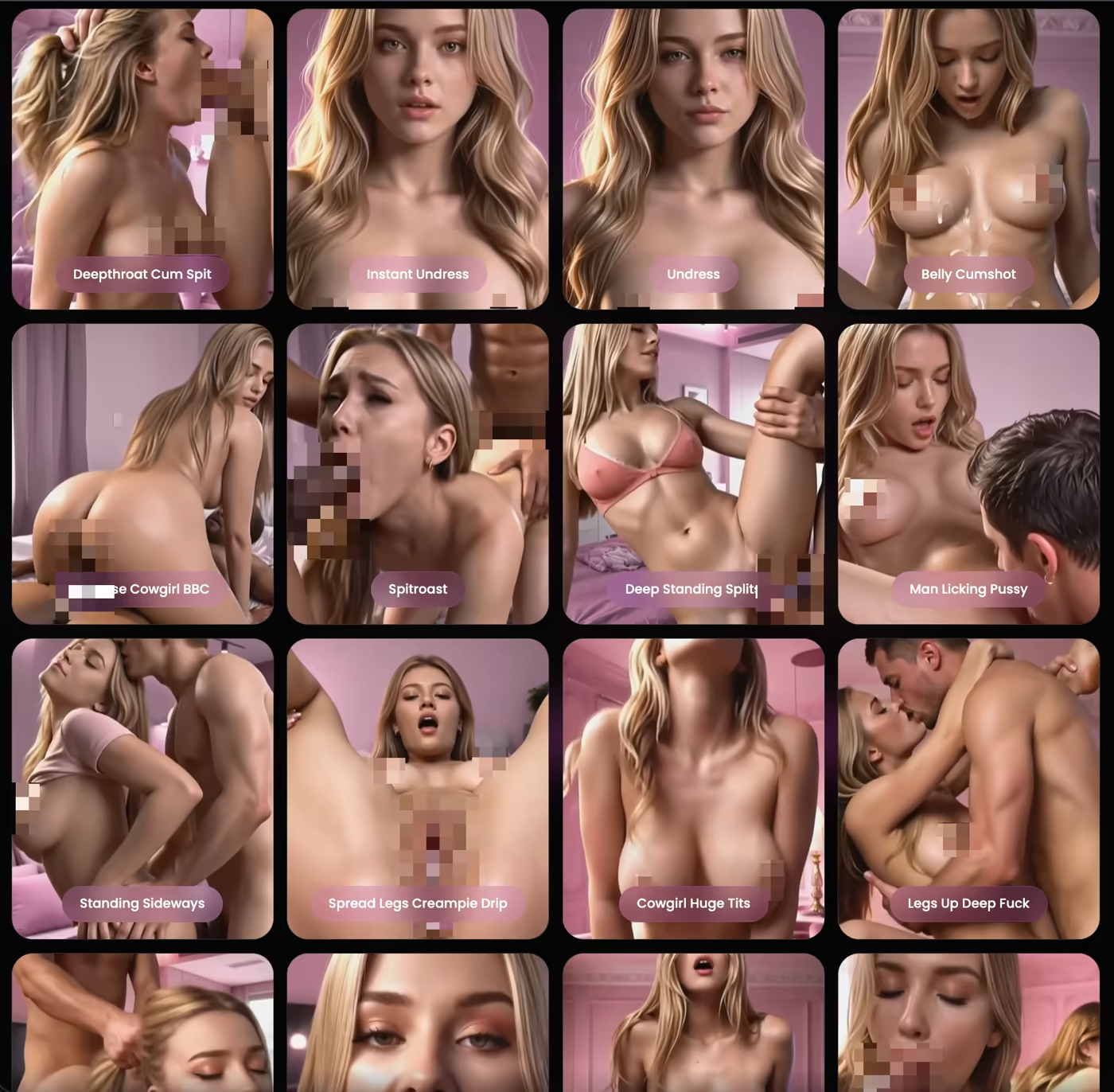
Here's the thing though — the unknowns all sit at the edges. The core claim, that a face survives ten generations in a row, is exactly what standalone editors blow, and it held every time. Same story in my one-face-every-pose test.
GoLove.ai Pricing, and What a Real Uncensored Editor Costs
Numbers as I saw them, hedged where they should be.
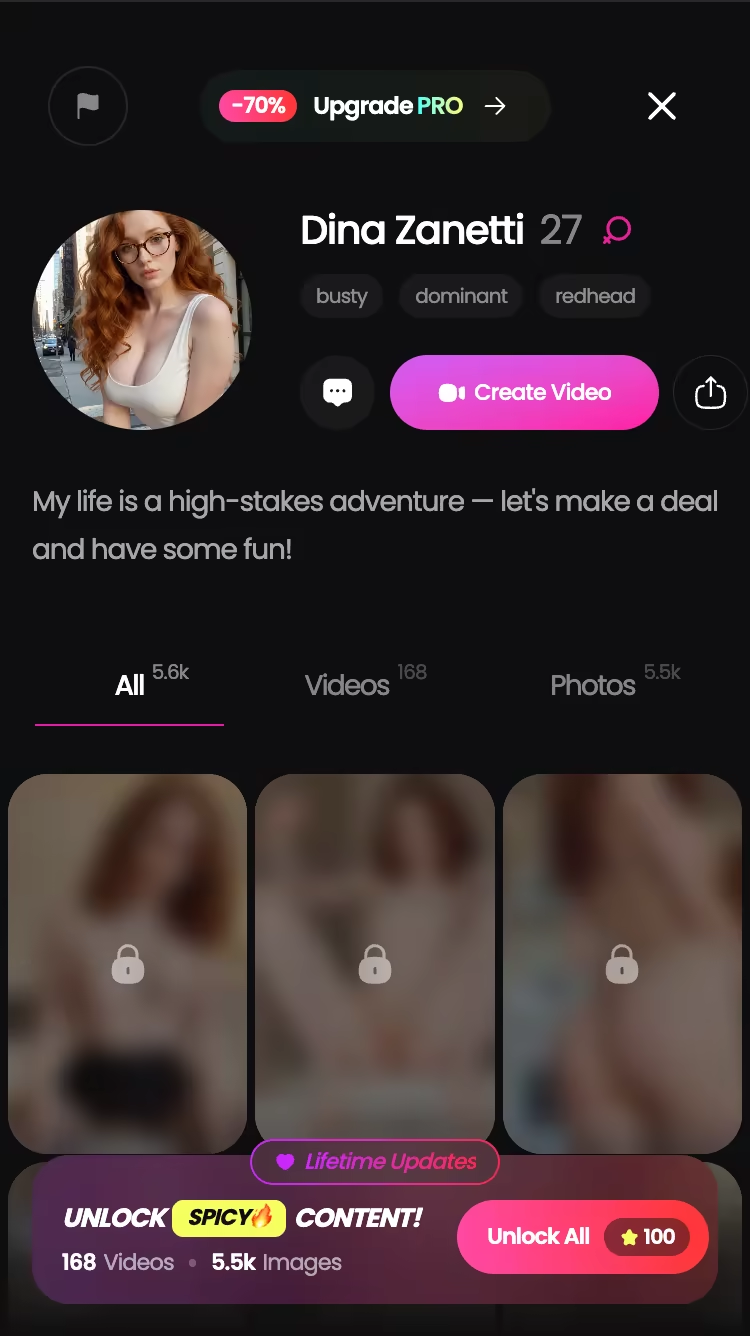
- PRO monthly — about $19.99/month, though it varies by region (as low as roughly $12.99 in some geos) and promos knock it down further; I saw a -70% upgrade banner.
- PRO annual — about $119.88/year, roughly $9.99/month, the cheapest per-month route. A ~$49.80 promo and a ~$47.97 three-month tier have both been spotted.
- Stars — the in-app currency for generation. Packs run roughly $9.99 to $179.99 depending on tier, plus 2 free stars daily just for showing up.
Against the field: Candy AI starts around $9.99/month, but image generation eats extra tokens on top of the subscription, so media-heavy months run well above the sticker. OurDream bundles chat, image and video into one plan from about $9.99/month on the annual. Standalone uncensored editors mostly run credit packs — pricing there changes often enough that you should check their site directly, though the pattern matches Candy's: the subscription isn't the real cost, the generations are.
GoLove's edge is bundling — chat, photos and video under one plan, with Stars as the throttle rather than a second paywall.
Prices checked 2026-08; promos vary.
Final Verdict: Who Should Actually Use This
One line: if you need the same character across many images, GoLove.ai wins on the only axis that matters, and no amount of filter-free prompt boxes closes that gap.
Use GoLove if you want a consistent face — a recurring character for a series, a companion whose photos actually look like her, a girl you can ask for a new pose without rebuilding her from scratch. The preset system (35 realistic poses, 21 outfits, 34 backgrounds, batches of 2/4/8) means you're picking, not prompt-engineering, and the identity carries into video too.
Stick with a dedicated pixel editor if your work is surgical — masked inpainting, CFG tuning, custom LoRAs, sampler experiments. GoLove doesn't expose those knobs, and pretending otherwise would be dishonest.
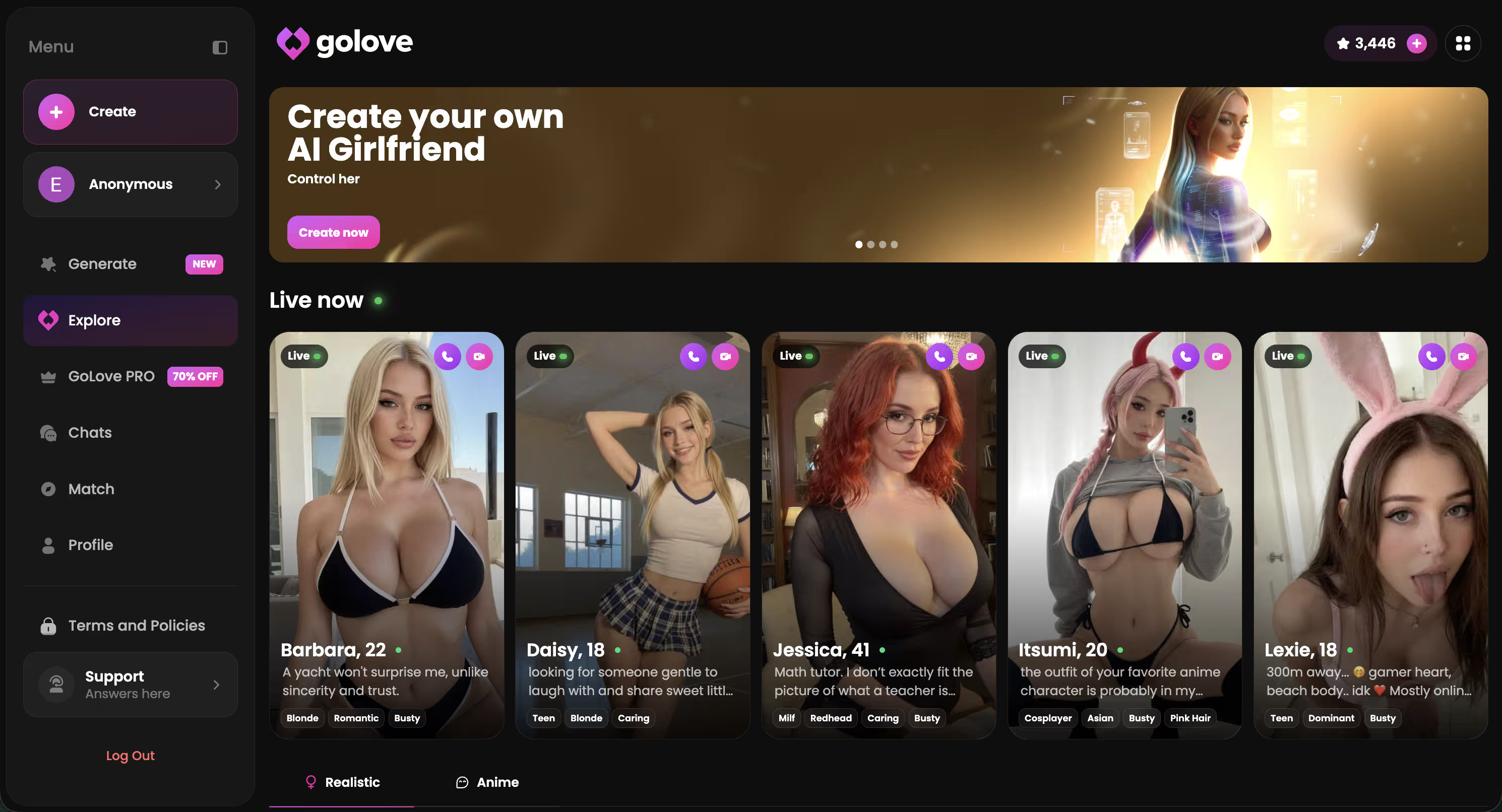
For everyone in between — and that's most people hunting an uncensored AI image editor — GoLove is the stronger overall pick. Build your own character in the Create tab (Realistic, Anime or Trans, or describe her in text with Design with AI) and her face is locked from image one.
Frequently Asked Questions
Related Articles
NSFW AI Image Editor: What Actually Works in 2026
Searching for an nsfw ai image editor? GoLove.ai skips manual inpainting — ask in chat, get consistent character photos and video. Start.
NSFW AI Image Generator That Talks Back
Every other NSFW AI image generator hands you a static file. GoLove.ai gives you a character you can message, request photos from, and generate videos with.
AI Character Photo Generator: One Face, Every Pose
Generic AI art tools give you a random face every time. GoLove's AI character photo generator keeps the same face — 34 poses, full NSFW, persistent identity.
This article contains affiliate links. We may earn a commission at no extra cost to you if you sign up through our links. See how we test.