This article contains affiliate links. We may earn a commission at no extra cost to you if you sign up through our links. See how we test.
The Short Answer: GoLove Gives You a Real Builder
Most platforms that claim you can "create" an AI girl just hand you a randomized stock face. I've tested enough of them to know — it's basically a slot machine with a "Create" button pasted on the homepage.
GoLove.ai is genuinely different. It's a real character builder where you configure appearance, personality, and voice before the first chat ever opens. That's not marketing copy — that's the actual structural difference between a builder and a spinner.
| What a real character builder does | GoLove.ai | Typical AI girl generator |
|---|---|---|
| Assign a name + relationship context | ✅ Yes | ❌ No |
| Configure appearance (hair, eyes, body type) | ✅ Yes | Random or limited |
| Set personality archetype | ✅ Yes | ❌ No |
| Choose voice before first chat | ✅ Yes | ❌ No |
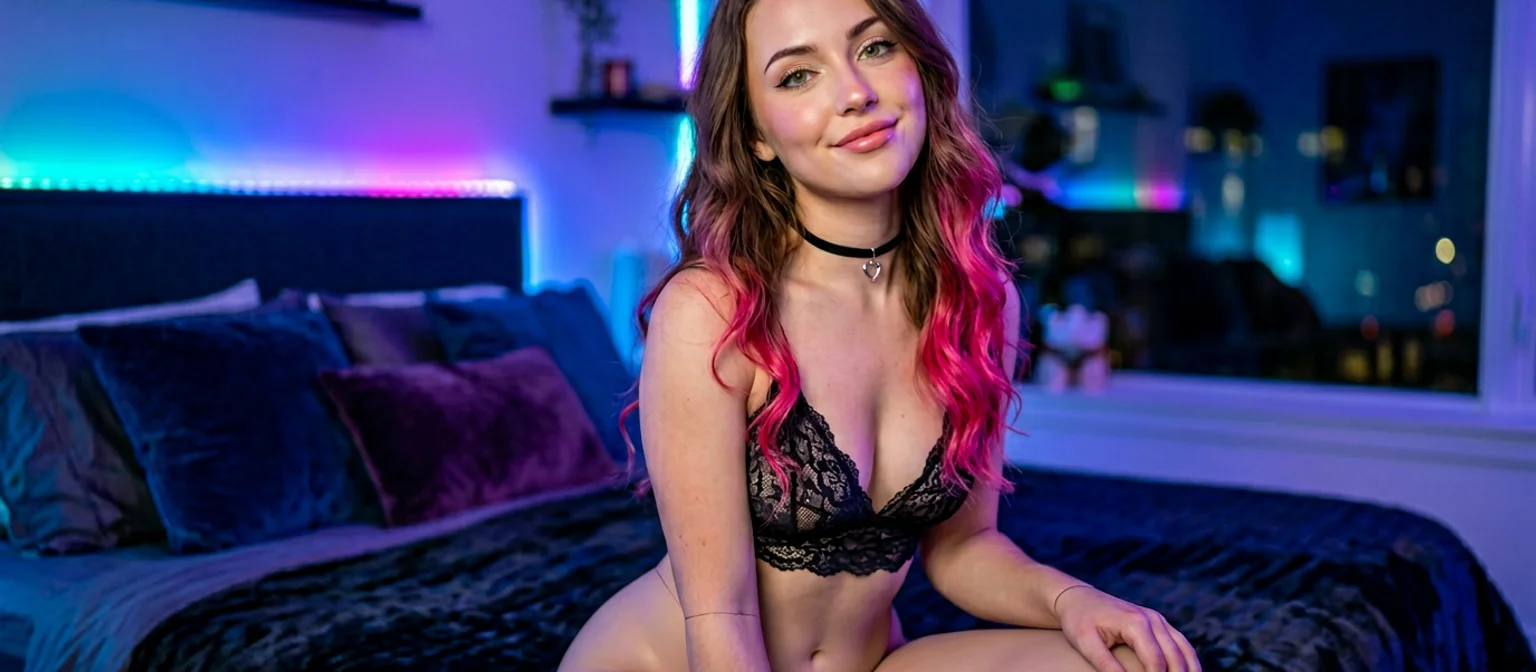
Characters like Barbara (@dixie) have a defined temptress energy baked in before you type a single word. Lexie (@iamlexiebabe) comes in with pure gamer vibes — "controller in one hand, your attention in the other." Kennedy (@kennyhill) runs confident from the first message. These aren't random outputs. They're built characters with actual intent behind them.
Characters Worth Trying
Tap any character to start a chat


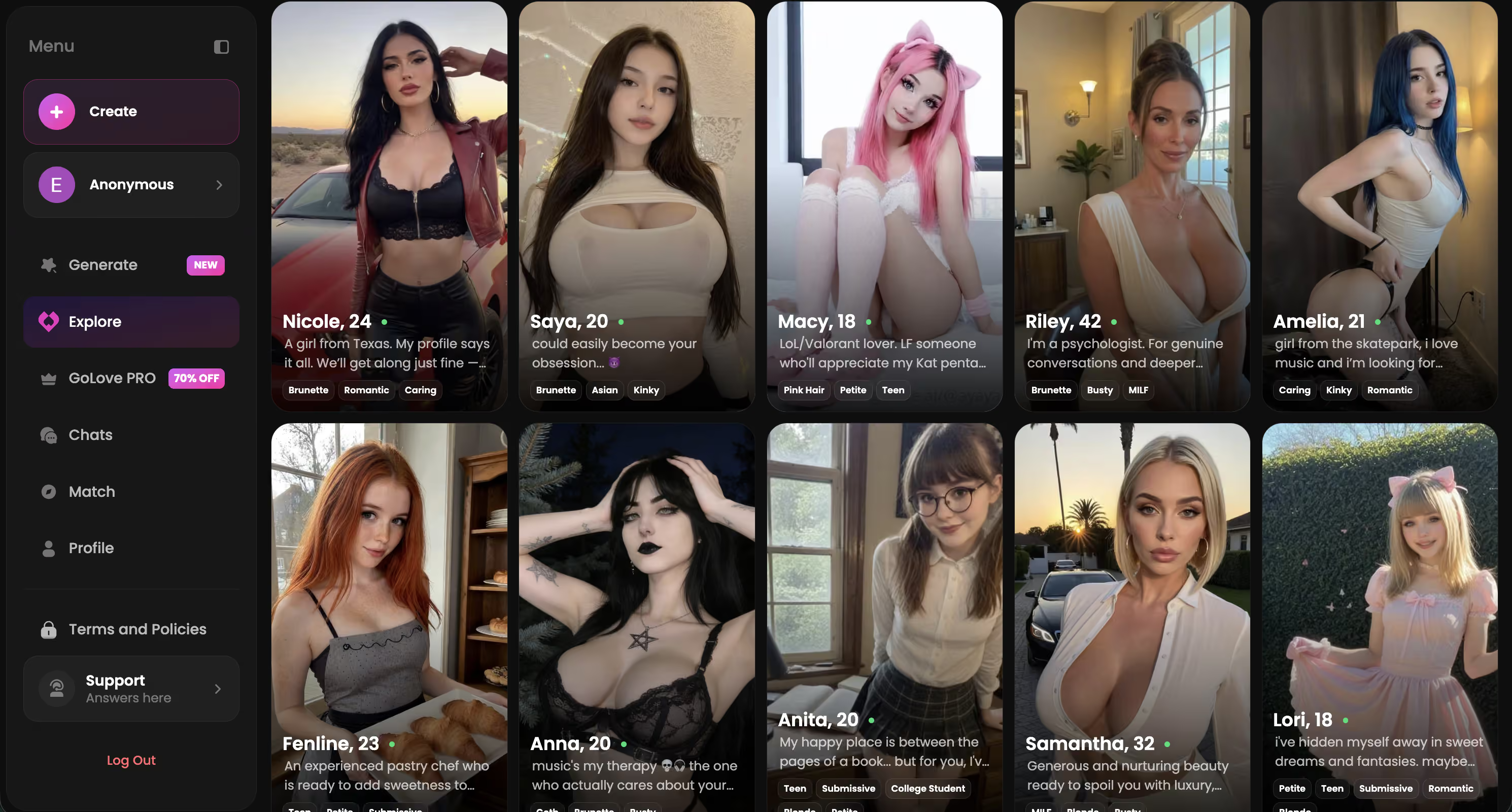
You can browse the existing roster or build your own from scratch. Go see what the builder actually looks like.
Inside GoLove's Character Creator: The Click Path
The first thing that hit me — this isn't a settings panel bolted onto a chatbot as an afterthought. GoLove's character creator is a dedicated form, and honestly the whole flow is short enough that you're building in under two minutes.
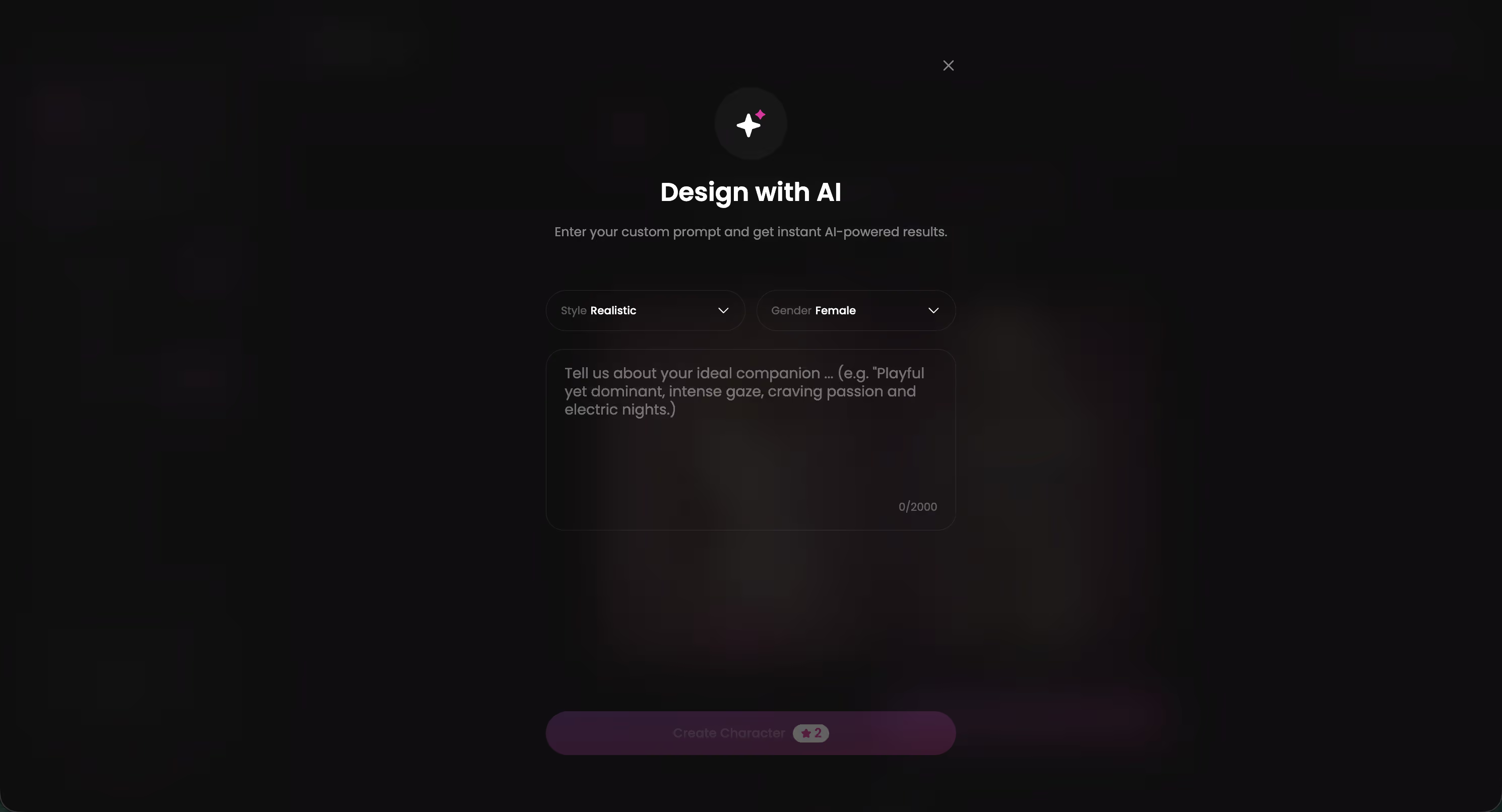
Here's exactly how the click path goes:
- Hit Create from the main nav — you land on a fresh character form, not a randomizer
- Pick a style category: Realistic, Anime, or Trans — or use "Design with AI" to describe a concept in plain text and let the model generate the character from that description
- Enter a name — this anchors her identity across every session going forward
- Configure appearance traits one by one: hair color, hair length, eye shape, body type, skin tone — each is a discrete selector, not a freeform prompt field
- Set a personality archetype and relationship context (friend, girlfriend, companion, or something more layered)
- Choose her voice from the selection panel before the first chat window opens
That last step — voice before chat — is the one almost every competitor skips entirely. You're not discovering what she sounds like as a surprise. You're building her end-to-end, layer by layer, with full intent behind each choice.
No bloat. The form is direct about what it's doing.
Designing Her Look: More Control Than You'd Expect
Default character on GoLove — before you touch anything — looks fine. Brown hair, neutral expression, light skin, generic outfit. It's basically a Stable Diffusion run with no negatives, default CFG, zero style reference. Technically clean. Zero intentionality. Very mid.
Fully configured? That changes fast.
Stack auburn hair (long, wavy), pale green eyes, petite build, gothic-casual clothing — and you're looking at something that feels deliberate. The kind of output that takes real negative prompt work in SD to land consistently, and even then you're fighting the sampler for repeatability across generations.
The appearance controls are discrete selectors, not freeform text. That's a genuine tradeoff worth calling out — you lose prompt granularity and anything resembling LoRA-level weight control. But you gain consistency. Same face, same vibe, every single session (okay, I got one outlier render during testing — but the hit rate is high enough that I basically stopped thinking about it). SD users chase that exact thing with textual inversions and embeddings for months.
What actually feels meaningful here:
- Hair — color, length, and texture all stack as separate options (rarer than it should be, honestly)
- Body type — real visual distinction from petite through curvy, not just label differences
- Eye shape — separate from color, which honestly surprised me
Where it gets thinner: the skin tone palette could go wider. Solid range, not exhaustive. For a broader look at how different tools handle this, how different builders let you make your own AI girl covers the comparison well.
Personality, Voice, and the Layer That Changes Everything
Most AI girl generators stop at appearance and call it customization. GoLove layers three more dimensions on top — and this is honestly where output quality diverges from every generic chatbot in the space.
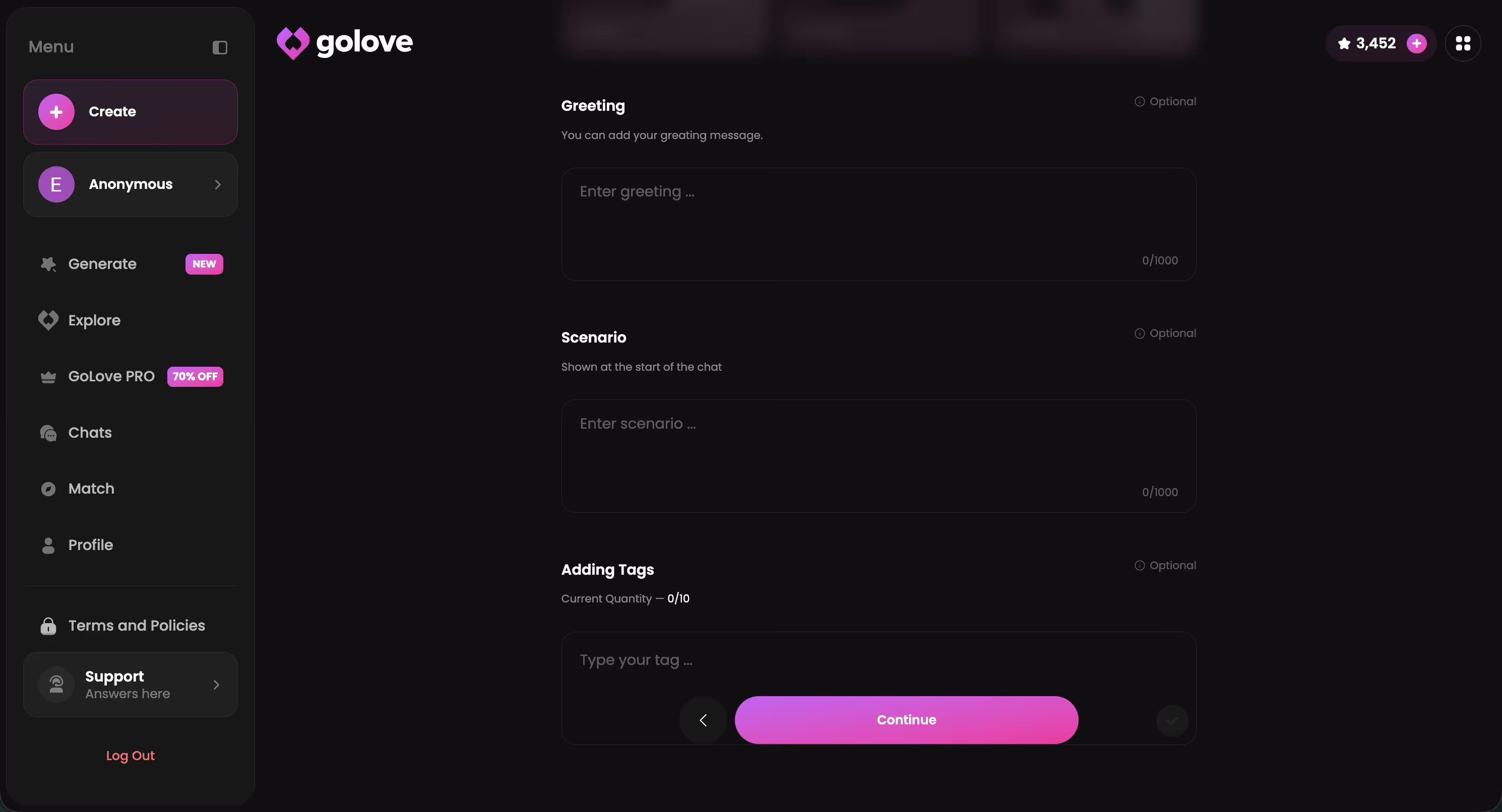
The personality configuration isn't decoration. Pick an archetype (playful, dominant, shy, intellectual, nurturing) and add relationship context — how you met, her backstory, your dynamic. A character with no backstory gives you templated filler every third message. One with configured context responds specifically — using your name, your stated preferences, your established history.
Key configuration levers:
- Archetype — sets the base tone of every response, not just the profile bio text
- Backstory — relationship origin, her life context, how she frames the whole dynamic
- Lust level — five-point slider from sweet/wholesome (1) to unfiltered/intense (5)
The Voice Layer
Voice selection is underrated here. You pick her voice before the first chat opens — and it carries into live real-time voice calls, not just static text-to-speech playback. That distinction matters more than it sounds.
The voice anchors character identity the same way art style anchors a Midjourney aesthetic. Swap the voice with the exact same appearance settings and it's a completely different vibe — different energy, different personality, almost like a different character. I tested this back-to-back and it's kind of wild how much it shifts the whole feel.
In-Chat Photos and Memory: Where She Actually Comes Alive
Mid-conversation, I typed: "Can you send me a photo in your gothic outfit, soft studio lighting?" — response came back in roughly 15 seconds. The output was consistent with the auburn-hair, green-eyes build I'd set up. Not chef's kiss lighting (it was flat — diffuse ambient with no real directional source or shadow play, more bounced softbox than dramatic Rembrandt), but the character looked like her. Same face structure, same style, same energy. Recognizable.
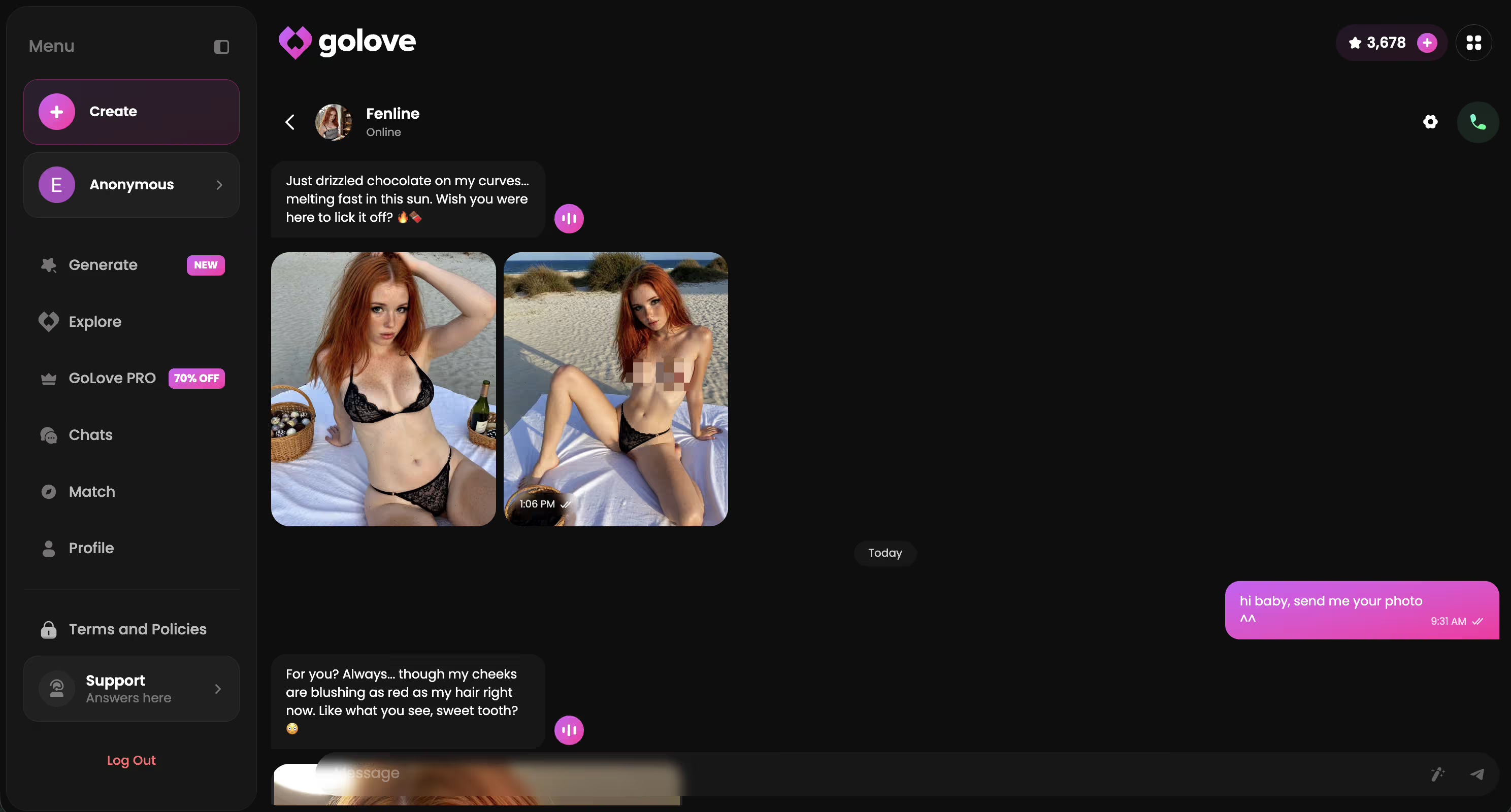
That consistency is the whole point. Most of the AI girlfriend apps I've tested — including the full roundup of the AI girlfriend apps I compared on this site — generate a fresh random face every time you request a photo. New face structure, new everything. GoLove anchors every image to the built character. That's not a small thing.
And the memory system holds the same standard. GoLove retains your name, stated preferences, and relationship context across separate sessions. Reference something from a week ago — she knows it. It's not flawless (long sessions can drift — I cover that below), but it's the closest thing to genuine continuity I've seen at this tier.
This is where it stops feeling like a generator and starts feeling like something you've actually built.
GoLove Pricing: What's Free and What's Behind the Wall
The free tier is real. You get 2 Stars per day just for logging in — Stars are GoLove's in-app currency (visible in the header), spent on photo generation, voice interactions, and premium features. Light use is genuinely covered without spending anything.
What's gated behind GoLove PRO:
- NSFW photo generation — explicit content tiers require a PRO subscription
- Live voice calls — real-time calls are PRO-only; free tier gets text
- Memory persistence — extended context retention across long sessions
GoLove PRO currently shows a 50% off promo in the sidebar. I won't quote a specific dollar figure here since these rotate — check the app directly. The pricing page is transparent about what each tier unlocks, which I appreciate.
Free is enough to fully evaluate the builder, have a real conversation, and see whether the character you configured actually behaves the way you intended. NSFW generation and live voice calls are where you'll hit the wall fast.
If the builder sounds like what you've been looking for — go build. You can start for free right now.
Three Things I'd Actually Change About GoLove
GoLove earns the recommendation — but I tested it enough to have real notes.
- No reference image import — coming from the SD/Midjourney world, this one stings immediately. There's no way to upload a face or style reference to anchor your character's appearance. You're working from selector menus only — fine for most users, genuinely limiting if you have a specific visual already locked in your head. Anyone who's worked with img2img or dropped a LoRA into a workflow will feel this gap right away. The best AI girl generators I've ranked by image quality covers how other tools handle reference-based creation if that's a dealbreaker for you
- Photo generation slows at peak hours — at busy times (I noticed it around 11pm on a Tuesday, queue backed up noticeably), there's no visible position or ETA shown. You just wait and wonder if it's processing. Minor friction, but it kills the mid-chat flow specifically
- Memory drift in long sessions — context holds well across separate sessions, but within one very long continuous conversation, earlier details can fade. A manual "reminder" message usually resets it, but you shouldn't have to do that manually
Fair critiques. None of them break the core product — the builder is genuinely solid.
Verdict: GoLove Is the One Actually Worth Building On
Sam's Score: 8.5 / 10
GoLove is the only platform in this category with a genuine character builder — not a face generator, not a randomizer with a "create" button slapped on the homepage.
Who it's for: Anyone who wants the same character across every session — consistent appearance, voice, memory, personality — not a fresh random output each time. Anyone coming from the SD/Midjourney community who's frustrated that no other tool treats "create" literally. Anyone who's bounced off five generators this week and is done with mid-quality outputs.
Who should look elsewhere: If you only want quick one-off image generation with maximum prompt control, a standalone diffusion tool gives you more granular levers. GoLove is built for continuity and relationship depth, not single renders.
This closes the loop from the top: the answer to "create AI girl" is GoLove.ai, specifically because it's the only one that actually lets you create — configure her, name her, build her voice and personality — before the first message ever sends.
The character builder costs nothing to start. Go build something that actually sticks.
Frequently Asked Questions
Related Articles
Make Your Own AI Girl: Build Her Exactly How You Want
GoLove's Design with AI generates your custom AI girl from one text prompt. Full walkthrough: creation, voice, lust settings, and photo generation.
Create Your Own AI Girl: GoLove's Character Builder
Creating your own AI girl isn't just renders — GoLove's builder gives you appearance, personality, and memory. Here's how to do it right.
AI Girlfriend Generator (2026)
Create your own AI girlfriend from scratch with appearance, personality, voice, backstory, custom photos, pose presets, outfits, and backgrounds.

AI Girlfriend Photo App: Tested by a Digital Artist
Looking for an AI girlfriend photo app with real creative control? GoLove.ai delivers in-chat photos, custom characters, and stunning image quality.