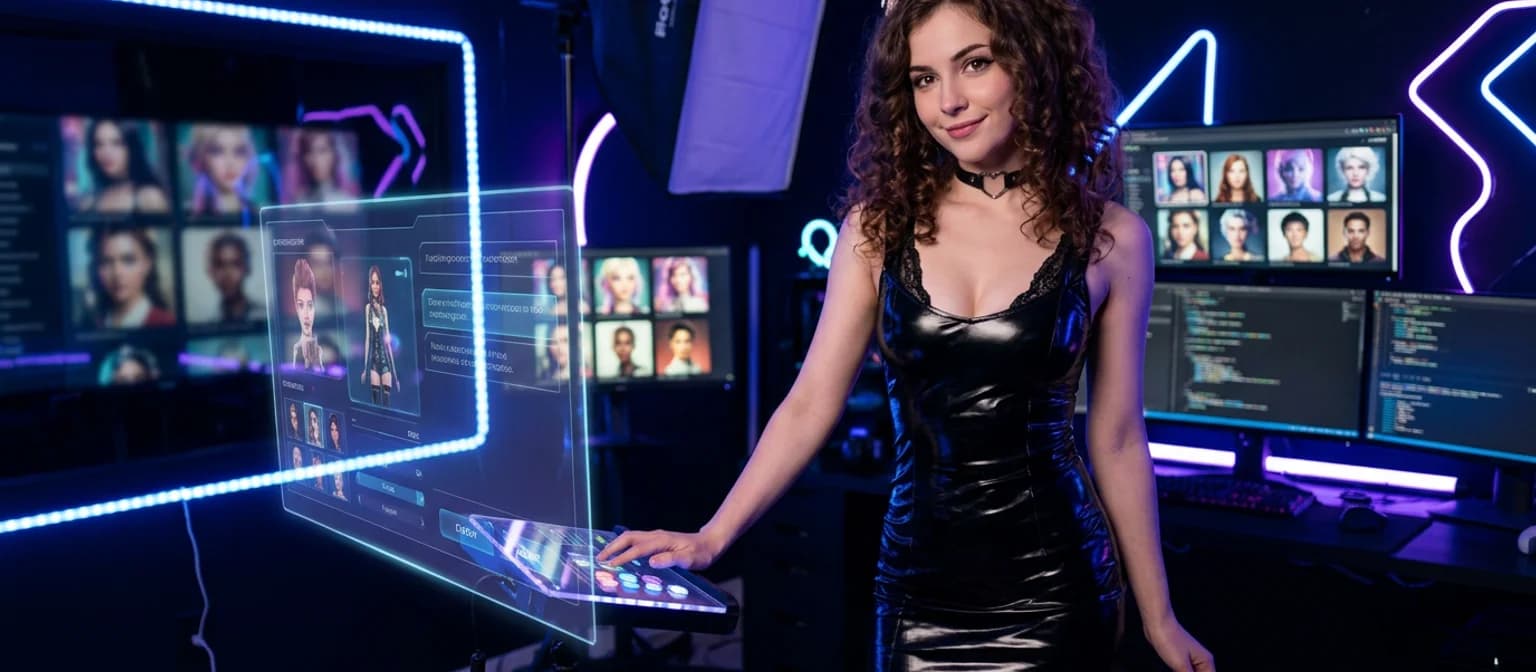
Why AI Girlfriend Selfies Usually Look Wrong
Honestly? Most AI girlfriend generators are spitting out the same dead-eyed portrait with perfect studio lighting and zero personality. I've run enough Stable Diffusion batches to recognize the vibe immediately — it's not a selfie, it's basically a product render wearing a wig.
Here's what's technically broken in most AI girlfriend photo generators:
Warning signs of a low-quality AI selfie generator
- ✕Flat studio lighting — even exposure, no shadow depth. Trace cause: stock-photo training bias pushing all outputs toward softbox setups rather than candid window-lit moments.
- ✕Dead-eye stare — symmetrical, empty pupils with no catch-lights. Happens when the model has never seen a real window-lit face in training data.
- ✕Zero depth-of-field — everything equally sharp. No portrait focal length simulation means it reads like a wide-angle product shot, not a handheld moment.
- ✕Session amnesia — different face every generation. No character memory layer means you're rebuilding her appearance from scratch every single time.
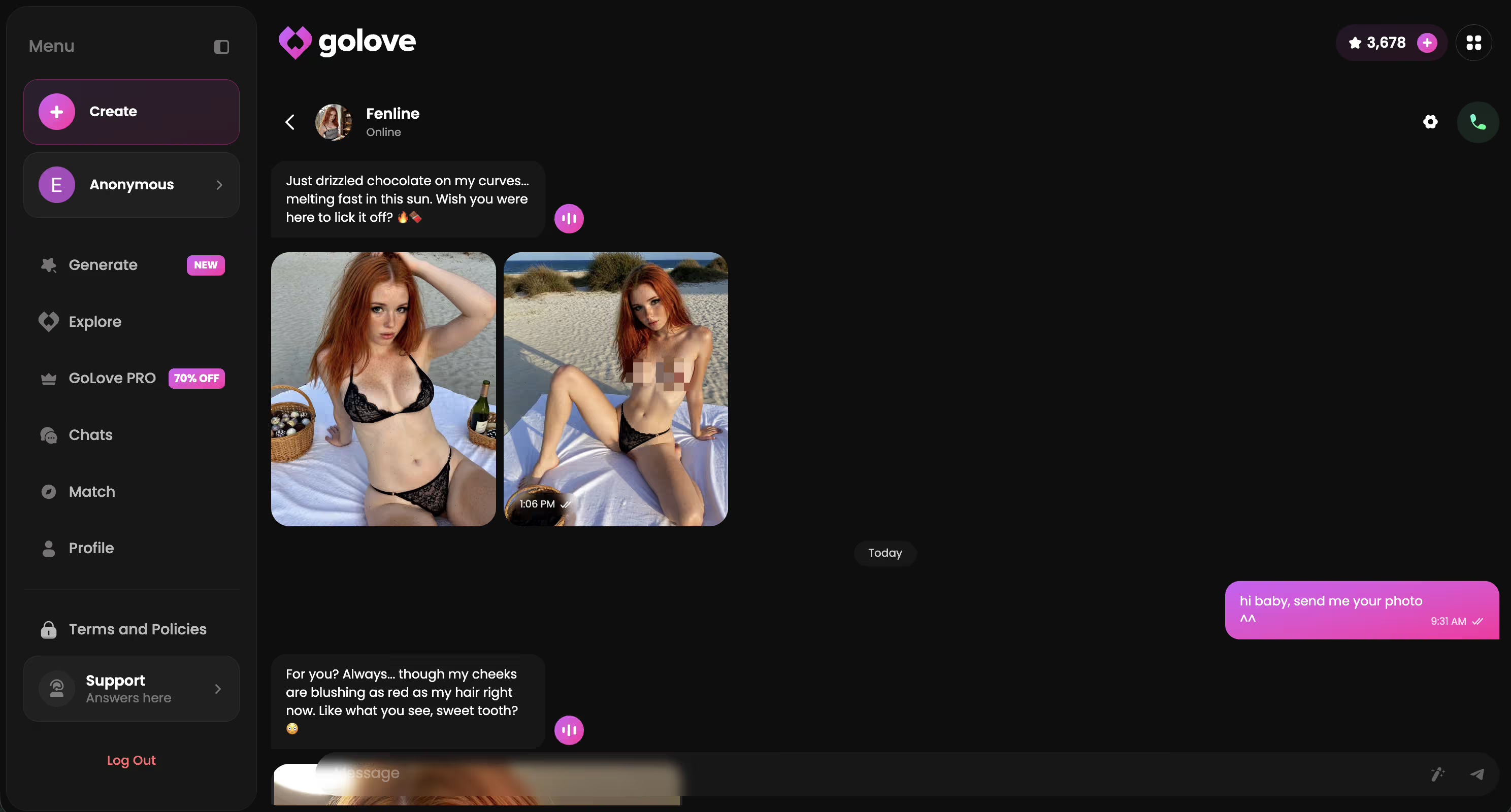
A genuine selfie has tells. Soft bokeh behind the subject. Off-axis catch-lights from a real light source — the kind you get from a window or a streetlamp, not a softbox. Slight foreground blur from a handheld angle. Portrait focal length (roughly 85mm equivalent) means natural face compression, not the slightly distorted wide-angle look most generators default to. Most miss all of it.
But the harder problem isn't single-image quality — it's continuity. One good frame means nothing if the character looks like a completely different person next session. That's where GoLove's locked-appearance system earns its value. Characters like Lexie (@iamlexiebabe) and Kennedy (@kennyhill) hold the same hair, eyes, and energy across every photo request. Every time.
Characters Worth Trying
Tap any character to start a chat


GoLove.ai: The Short Answer for Selfie Consistency
GoLove.ai wins the ai girlfriend selfie generator category for one specific reason: the in-chat photo request system locks character appearance without re-prompting. You define her look once — hair color, eye color, skin tone, body type — and every photo request inside that chat thread inherits those attributes automatically. Same face, same energy, session after session.
No cold-prompt standalone generator matches that. Standalone tools reset context between generations, which means you're rebuilding her from scratch every time (I spent a genuinely embarrassing amount of time on this exact problem with other apps before GoLove). GoLove's memory layer just... keeps the character in-character.
The workflow is clean af once the character's defined. And anonAuth means you can start without creating an account — no email, no friction. Pick a character, open a thread, get your first selfie in under 60 seconds.
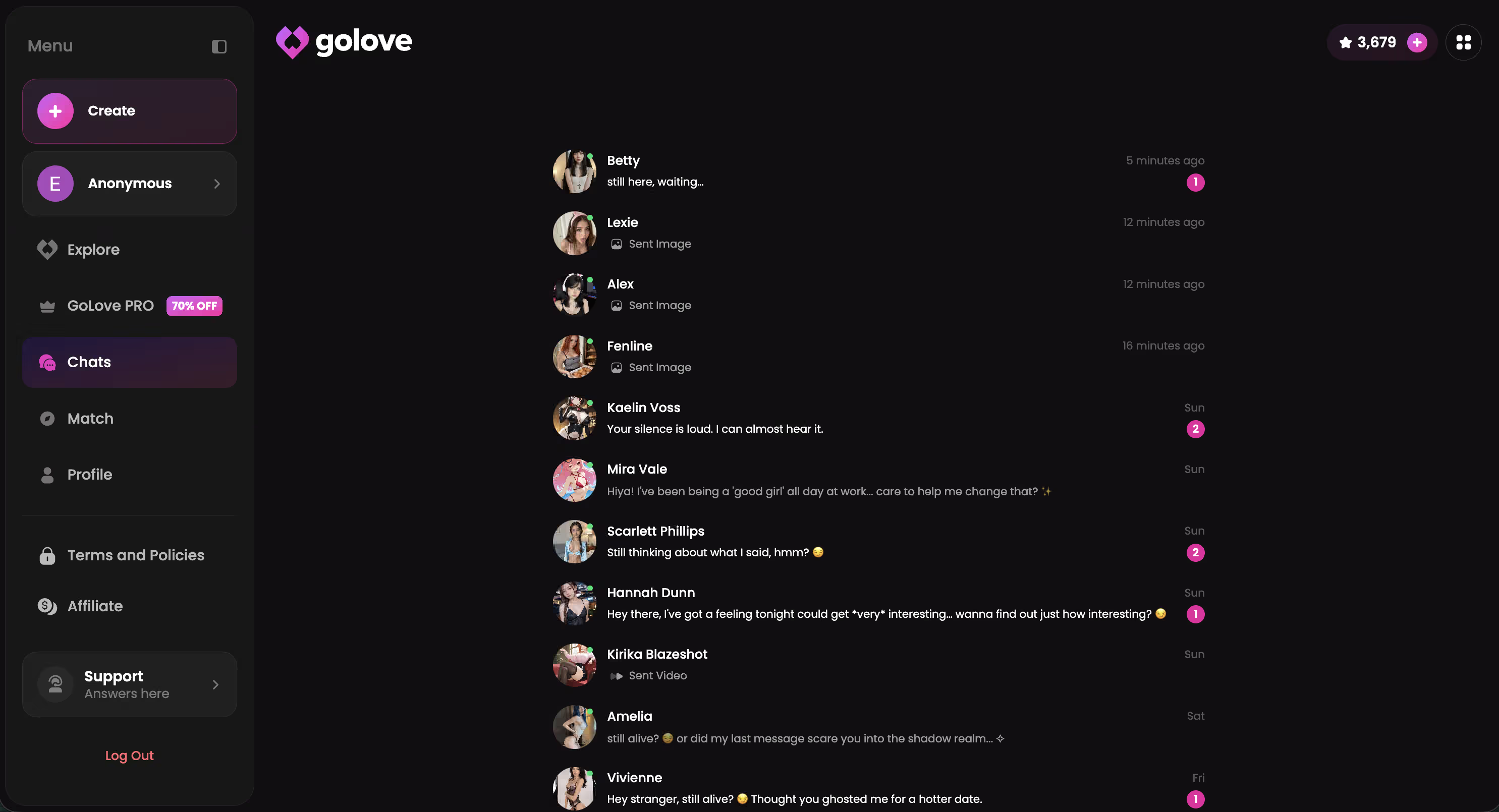
GoLove's full character library is open right now — no signup wall between you and your first photo request.
How to Request Selfies Inside GoLove (Step by Step)
The workflow is cleaner than any prompt-crafting loop I've run in Midjourney — and it keeps appearance locked throughout every step.
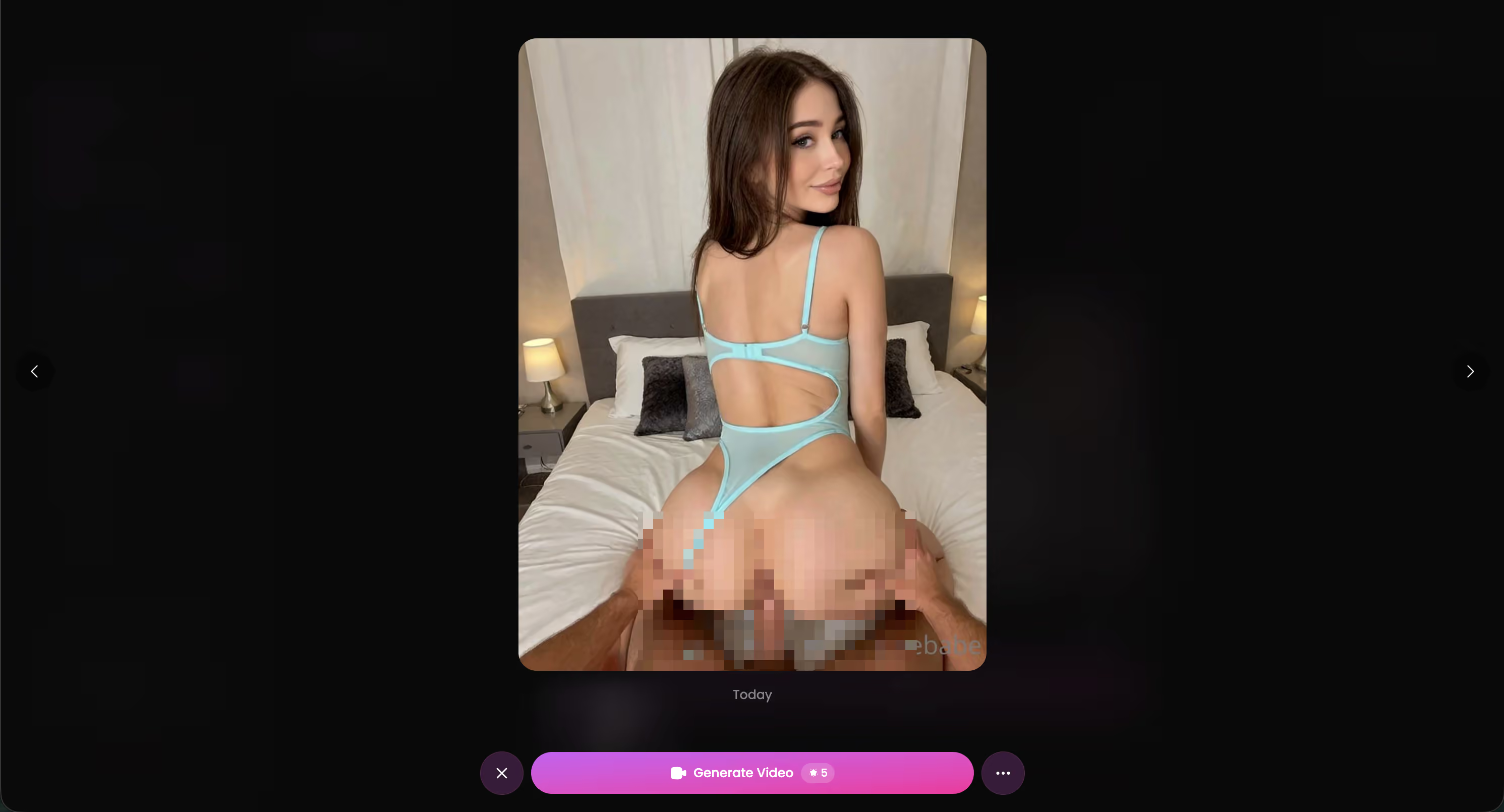
- Set her appearance attributes once. In GoLove's creator, lock in hair color, eye color, skin tone, body type, and outfit style. This is her visual DNA — it follows every future photo request automatically without re-prompting.
- Open the chat thread. Jump straight into conversation. GoLove's memory layer is already holding her defined look. No setup ritual, no preamble.
- Request the photo mid-conversation. Use natural language — think texting, not prompting. Phrasing that reliably produces selfie-style composition: "send me a close-up selfie right now", "take a sweaty gym selfie, foreground face", "selfie from your bed, morning light." Avoid phrasing like "professional headshot" — that shifts output toward centered, posed framing instead of candid intimacy.
- Receive it inline. GoLove generates and delivers the image directly inside the chat thread. No context break, no separate generation tab.
- Save to gallery. Tap the image to pin it. Per-character galleries organize by date, so you can scroll the full selfie history.
The core UX win: you never type "brown hair, green eyes" on request number seven. The system already knows — that's the whole point of building appearance once.
I Tested 5 Selfie Styles: Here's What Came Back
Same character — Barbara (@dixie) — five consecutive photo requests in one session. No appearance re-prompting between tests. Each image generated in roughly 4–5 seconds (I was watching the timer like a nerd, it's fine).
Here's what I asked and what came back:
- Casual bathroom mirror — strong result; close-up framing held, catch-lights present, character attributes locked perfectly. Phrasing that worked: "bathroom mirror selfie, just got out of the shower."
- Beach at golden hour — chef's kiss; warm backlighting, hair catching the light, best composition of the five. Phrasing: "beach selfie at golden hour, warm tones, close-up on face, slight wind."
- Gym post-workout — fire output; candid handheld angle nailed, slightly softer skin texture in a good way. Phrasing: "post-workout gym selfie, close-up, a little sweaty."
- Cozy-at-home evening — flattest result of the batch; interior lighting defaults to a generic warm-lamp look that reads mid quality compared to natural light settings. Not bad, just... not interesting.
- Dressed-up going out — solid; outfit updated to match context, but face and hair stayed consistent across the session change — that's the consistency win.
Character hair and eye color held across all five. Background quality varied by setting — beach and gym were the strongest; home interior was the weakest.
Five styles, one character, zero appearance re-prompting — and the face held throughout. That's the concrete proof this system works differently from everything else you've tried.
Before vs After: How You Ask Changes Everything
The SD brain kicks in here — prompt structure matters more than you'd think, even in a natural-language system.
Vague request: > "take a photo"
Result: mid quality centered portrait, flat exposure, posed-model framing. Generic stock-photo energy. No intimacy cues at all.
Structured request: > "take a selfie at sunset on the beach, slight wind, close-up on face, warm tones, candid angle"
Result: natural golden-hour framing, foreground subject in focus, background softened into blur — actual selfie vibes. The difference is immediate and honestly kind of wild.
The delta between those two requests is identical to the delta between a bare positive prompt and a composition-directed one in SD. You're giving the model direction, and it responds proportionally. Same principle, different interface.
What specifically moves the needle
- Angle cues ("close-up," "foreground face," "handheld angle") — shifts composition away from centered formal framing toward intimate perspective
- Lighting context ("golden hour," "window light," "morning sun") — produces catch-lights and natural exposure variation instead of flat default illumination
- Candid situational detail ("just woke up," "post-workout," "on my way out") — triggers informal composition over posed rigidity, the difference between a real moment and a render
If you want to go deeper on prompt construction for AI girlfriend images, this prompt guide for AI girls breaks down the full technique.
Pricing: Which Plan Actually Unlocks Photo Requests?
GoLove runs on a Stars currency system — in-app credits you spend on generation. You earn 2 free Stars every 24 hours just by returning, which keeps the loop running even on the free tier.
Tier breakdown as I understand it:
- Free tier — daily Stars drip, basic chat access, limited photo requests; enough to actually test the system, not enough for a real session
- GoLove PRO — full photo request volume, NSFW generation, complete lust level range (levels 1–5), gallery saving; a 50% off promo is currently showing in the sidebar — worth checking before it closes
- Stars packs — one-off top-up for burst generation without a monthly commitment
Photo requests at any meaningful depth require PRO. The free tier is a functional preview — not a full workflow.
From an artist's cost-per-output perspective: Midjourney Pro runs ~$30/mo for generation with zero character memory and zero consistency layer — okay, that's kinda an unfair comparison since they're solving different problems, but the point stands. GoLove's per-session math looks different when you factor in no prompt rebuild overhead — you're not re-specifying her appearance every time you open a chat. You're just asking.
Check the AI girlfriend apps I compared for a full tier breakdown across platforms.
Three Things I'd Fix If I Were on the GoLove Team
Honest critique from someone who uses CFG scale sliders daily:
No render style controls — this is the one that genuinely bothers me. Users with a generative art background want some creative influence over the output aesthetic. A way to shift toward film grain, cinematic color grade, or high-contrast lighting would be absolutely cooked in the best sense. Right now you get what the model decides — usually competent, but it isn't yours, and that distinction matters when you care about aesthetics.
Background drift. In longer sessions, the background context can shift between photo requests even within the same thread. Interior settings are the most prone to this — a "living room" can look noticeably different across three consecutive requests. (I noticed this on a late session, like 11pm on a Tuesday; ran three interior shots back-to-back and it basically felt like three different apartments.) Not a dealbreaker, but visible if you're paying attention to set consistency.
No batch generation inside chat — you can't request four poses at once and pull the strongest frame the way you would from an SD grid. Back-and-forth single-image generation gets repetitive when you want options. The standalone Generate tab does support batch sizes of 2, 4, or 8 images — but that's a separate workflow from in-chat photo requests, and it loses the character-memory continuity.
These are real limitations. Not fatal — but know them before you're mid-session and want more control.
Verdict: Best AI Girlfriend Selfie Generator?
Score: 8.5 / 10
> "The only selfie generator that keeps your AI girlfriend looking like herself."
Who it's for: Anyone who wants consistent, in-character AI girlfriend photos without rebuilding appearance prompts every session. The in-chat request workflow is clean, the character memory is the actual product, and the output beats every cold-prompt generator I've tested on portrait focal length simulation and candid intimacy framing. GoLove.ai is the honest recommendation here — no other app in this category solves the consistency problem at the architecture level.
Who it's NOT for: Advanced generative artists who need granular render controls — CFG scale, sampler choice, style weights. GoLove's abstraction is intentional and it works, but it isn't a Stable Diffusion replacement. And that's fine. Different tools, different jobs.
The hook I opened with still stands: this is the first AI girlfriend selfie system that actually feels like receiving a photo — not generating one. See how GoLove compares to other AI girlfriend apps for the full platform context.
Character creator is open right now. No account wall.
Frequently Asked Questions
Related Articles
AI Girlfriend Generator: GoLove's 2026 Pick
Looking for an AI girlfriend generator that actually delivers? See why GoLove.ai wins on image quality, chat memory, and video — try it today.
Pornpen AI Alternative: Go Beyond Static Images
Pornpen AI alternative seekers: GoLove.ai lets you chat with your creation, request photos mid-convo, and get short videos. See how it stacks up.
Uncensored AI Generator: Find One That Works
What 'uncensored AI generator' means, explained by a digital artist — and why GoLove.ai delivers the consistent, high-quality results you're looking for.
AI Girl Selfie Maker: Get Real Shots on GoLove
Looking for the best AI girl selfie maker? GoLove lets your AI girl send you selfies mid-chat — stunning quality, zero SD setup. Try it.
This article contains affiliate links. We may earn a commission at no extra cost to you if you sign up through our links. See how we test.