Photo to Video AI Girlfriend — Animate Any Pic
Tap any AI girlfriend photo in chat, hit the video icon, and a short animated clip lands back in the conversation. Same character, same scene. Audio included.
Browse CharactersCharacters That Work Best for Photo-to-Video
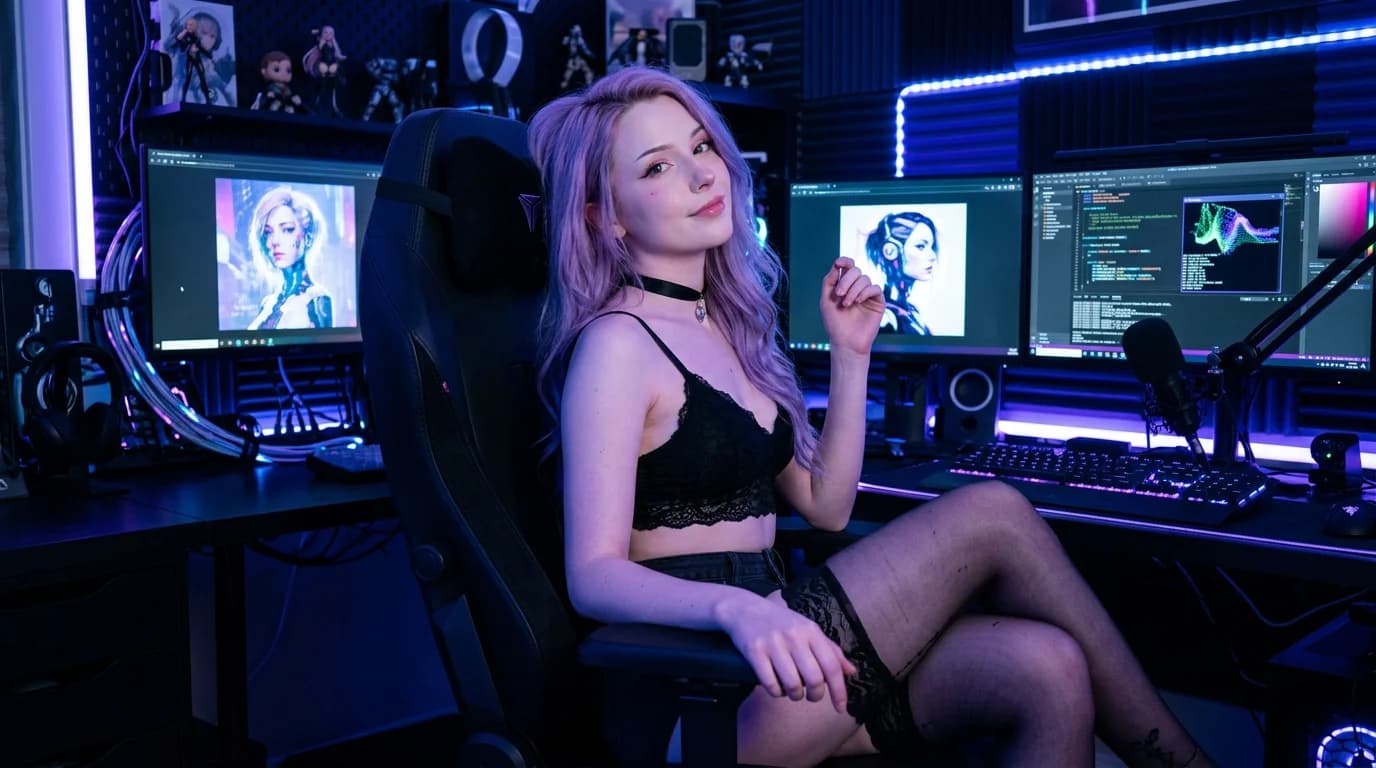
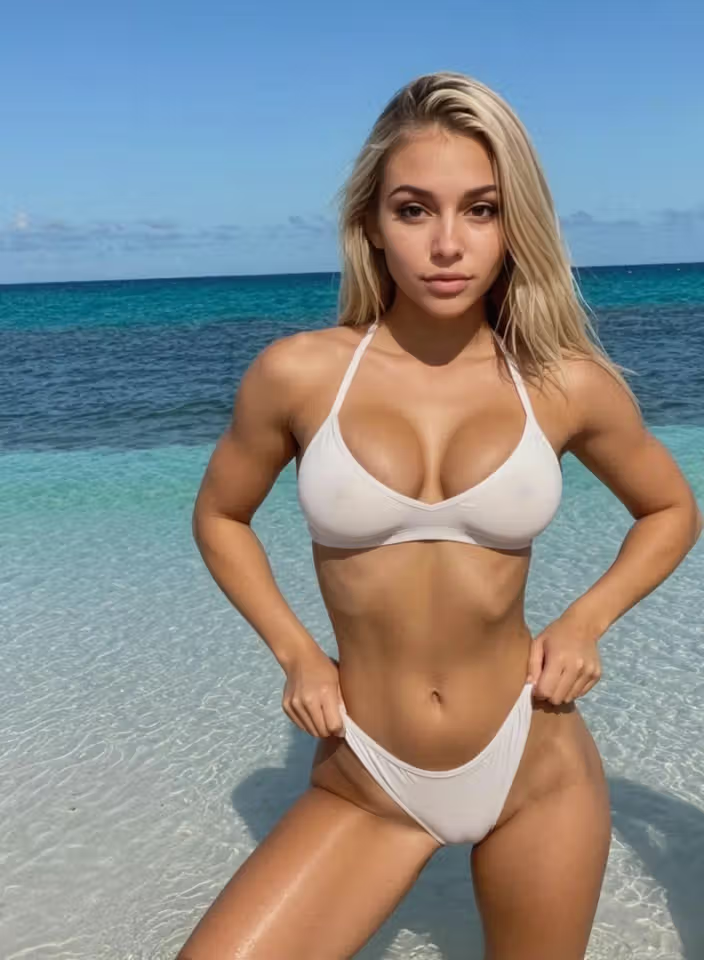
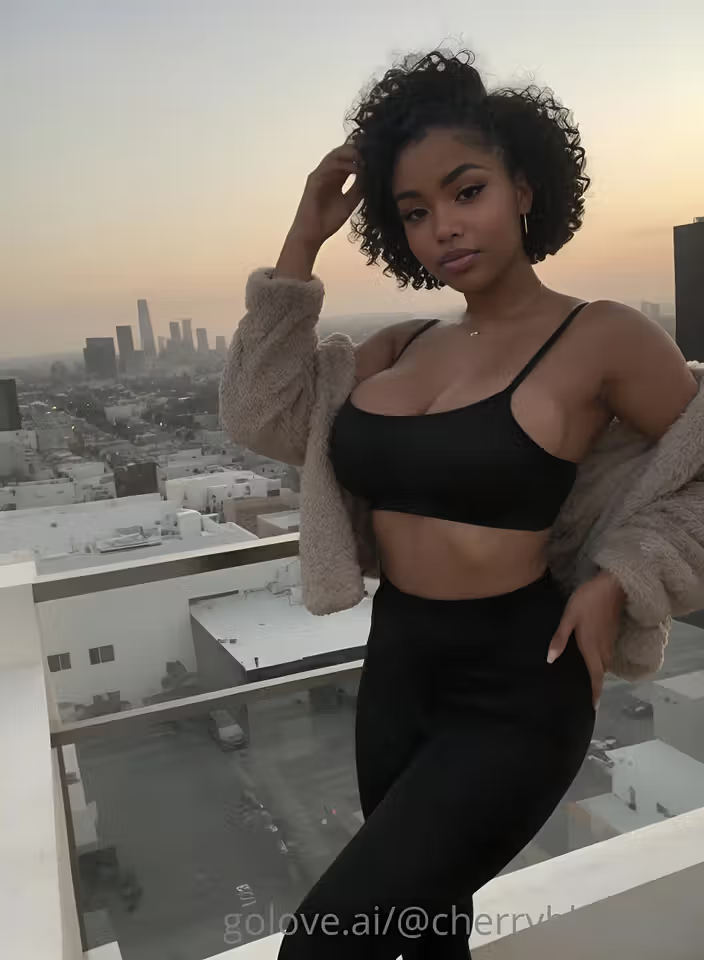
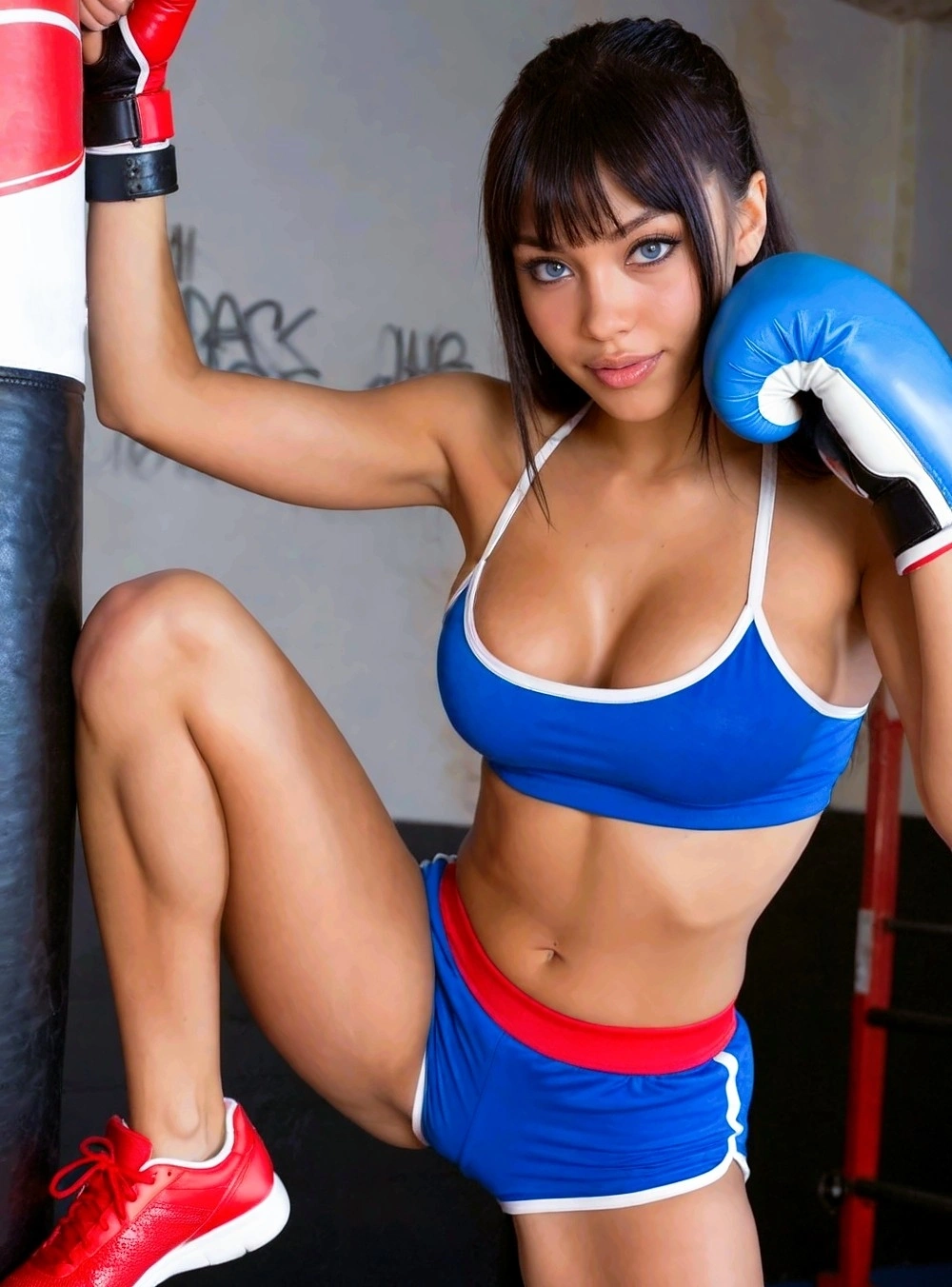
Pick one, generate a photo, animate it. These characters have the cleanest source-image consistency for video output.



Why Photo-to-Video Beats Standalone Video Tools
Most AI video tools cast a different person every time. This workflow keeps the character.
From Photo to Video in One Tap
Generate a photo with your character (or pick one she sent in chat). Tap the video icon. The platform animates that exact image — same character, same scene — and the clip appears back in the chat. No exporting, no separate tool.
Browse CharactersVideo Actions Modal
Tapping the video icon during chat opens a Select Action modal with visual previews of each action. Pick the one you want — the platform generates a video matching the action and the character. No prompt-writing, just visual selection.
Same Character, Every Time
Photo-to-video preserves character identity. The clip features the same face, body, hair, and outfit as the source photo. No drift, no random recasting. This is the consistency layer that makes the workflow worth using.
Audio In Animated Clips
Videos generated from photos include ambient audio — breathing, environmental sound, character vocalization where relevant. Adds a sensory layer text and stills can't deliver, especially for intimate scenes.
Try It FreeHow to Animate a Photo
Three taps. Two minutes. The clip lands in chat.
Generate or Receive a Photo
Either ask your character in chat ("send me a pic of you in red lingerie") or open the generator panel for a custom shot. Either path produces a photo that lands in the conversation and her per-character gallery.
Tap the Video Icon on the Photo
Every photo in chat has a video icon overlay. Tap it. The Select Action modal opens with visual previews of each motion — pick the one you want. Or use the standard "animate" option to add subtle movement.
Watch It Land in Chat
The platform generates a 4-6 second clip and posts it back into your conversation. Same character, same outfit, same setting. Includes ambient audio. The clip auto-saves to her gallery alongside the source photo.
Frequently Asked Questions
What does photo-to-video AI girlfriend mean?
It's a workflow where you generate or receive a still image of an AI character, then animate that exact image into a short video clip. The animation preserves character identity (same face, same outfit, same scene) and adds movement and audio. On GoLove.ai this happens directly in chat — tap any photo and hit the video icon, the clip appears back in the conversation.
How is this different from AI video generators?
Generic AI video generators take a text prompt and produce a clip from scratch — every output features a different person. Photo-to-video starts from your existing photo of your character, so the clip is consistent with previous content. You don't lose the character. The workflow is also tied to chat, not a standalone tool.
What kinds of motions can the AI animate?
The Select Action modal includes preset motions covering casual movement, suggestive poses, intimate actions, and explicit positions. Each preset has a visual preview. You can also use the simple "animate" option to add subtle natural motion to a still without specifying an action.
Do video clips include sound?
Yes. Generated clips include ambient environmental audio plus character vocalization where appropriate (breathing, soft sounds). This makes intimate scenes significantly more immersive than silent animation.
Where do the videos go after generation?
Two places: the chat conversation (so they're in context with the discussion that produced them) and the per-character gallery (organized by date alongside the source photos). You can scroll back through all generated content per character.
Free to try?
Free credits on signup let you generate photos and animate a few of them into video clips. Subscriptions unlock unlimited messages and more video credits. No credit card required to start.
One Tap From Photo to Video
Same character. Audio included. Lands in chat. Free credits on signup, no card required.